How to make a t shirt mockup video on a model
In short
To make a t shirt mockup video, photograph the printed shirt flat or on a hanger, upload it to a clothing template, and an AI model wears it in a finished vertical video.
It needs a real, printed shirt today. Templates that place a flat design file onto a blank shirt are planned but not available yet.
SuperReels is the easiest way to do it: no shoot, no model booking, and your first video is free with no card.
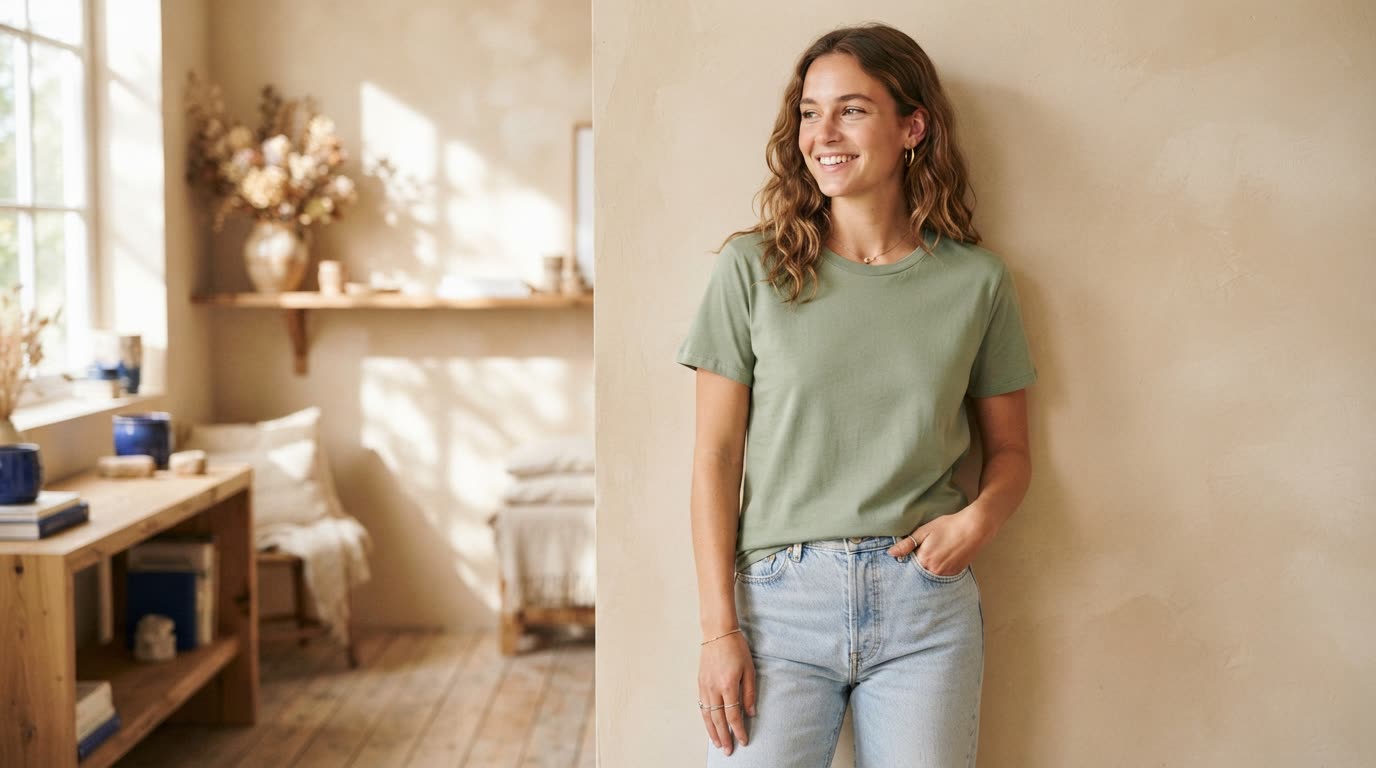
A t shirt mockup video shows your shirt moving on a person, which a still tshirt mockup cannot. With SuperReels you skip the photo shoot: a picture of the printed shirt goes in, and a short vertical clip of a model wearing it comes out. Here is how that works today, and what it does not do yet.
What you need before you start
You need the shirt itself, printed. The clothing templates take a photo of a real garment and put it on an AI model. They do not take a design file and print it onto a blank shirt. That kind of t-shirt mockup generator is planned, but it is not available, so if your design only exists as a PNG, order a sample first or use a still shirt mockup tool for now.
What the finished video looks like
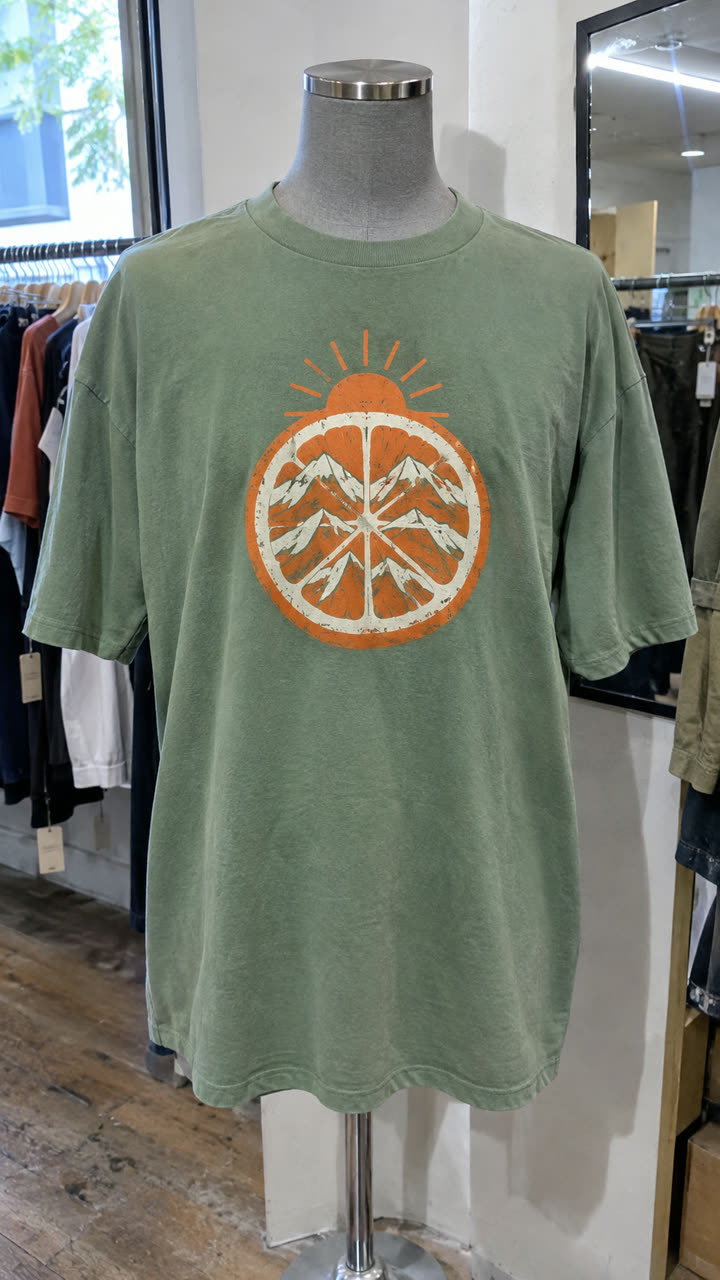
Made with the Fashion callouts template from a mannequin photo of the t-shirt, in a few minutes, with no filming or editing. See the exact steps and details we used.
The quickest way to make a t shirt mockup video: SuperReels
A photo shoot means booking a model, a location and an editor. SuperReels is our recommended route because one photo of the shirt replaces all three.
- Pick a clothing template. The three below suit a t shirt model video in different ways, and you can browse more in the mockup library.
- Add your shirt photo and details. Lay the shirt flat or hang it against a bare wall, smooth the creases and shoot the print straight on in daylight, since the model wears exactly the colours it sees. Then choose the model's age, body type, ethnicity and expression where the template asks, and the setting.
- Generate. The cost shows first, and a vertical 9:16 video arrives in a few minutes, with no watermark.
- Post it. Download the video and share it to Reels, TikTok or your shop page. Commercial use is allowed.
Which clothing template fits your shirt?
Fashion callouts shows one garment on a model, with thin-line callouts pointing at features you name, such as heavyweight cotton, a boxy fit or a screen-printed back. It ends on a summary shot. Use it when you need to explain why the shirt is worth the price.
Get ready with me is a 15 second try-on. Up to three outfit photos are worn by the model you describe, in a room you pick or a photo of your own room, ending on a pose. It suits a shirt styled with jeans and a jacket, shown as a full look.
Outfits of the week is a 15 second lookbook from five outfit photos: one model, a look for each weekday with captions, and your brand name at the end. It works when you have a small collection of shirts to show together.
Tips for a clothing mockup video that sells
- Bold prints come through best. Large graphics and short slogans stay readable. Very fine text is where any AI model struggles most, so check the result before you post.
- Show it on your buyer. Describe the model as your actual customer rather than a catwalk model. It helps people picture themselves in the shirt.
- Make two versions. Each video takes a few minutes, so try the same shirt on two different models or settings and keep the one your audience responds to.
- Use the right colour photo. If you sell the same design in several colours, photograph each colour you want to show rather than expecting the model to recolour it.
What it costs
Your first video is free, with no card. After that, plans start at $10 a month on Starter, which covers about 7 videos. Every plan makes 720p, and Pro goes up to 4K. If a video fails, the credits come back automatically.
For more on putting clothes on a model, including flat-lay tips for other garments, see the AI fashion model page.
Questions
Can I upload my design file instead of a photo of the shirt?
Not yet. The clothing templates work from a photo of a real garment. Placing a flat design file onto a blank shirt is planned, but no template does it today.
Will the print stay readable?
Photograph the print straight on, in daylight, with the whole shirt in frame. Fine text and tiny details are the hardest part for any AI model, so bold designs come through best.
Can I choose who wears the shirt?
Yes. Depending on the template, you choose the model's age, body type, ethnicity and expression, plus the setting.
Is there a watermark?
No. Videos have no watermark and commercial use is allowed, including the free first video.