Animated mockups: templates vs AI mockup videos
In short
Animated mockups come in two kinds. Template mockups slide your flat design across a pre-made animation, which suits logos, prints and screens; AI mockup videos put your actual product into a new scene, which suits physical goods.
If you sell a product, an AI mockup video shows the real thing in use rather than a design on a stock object.
The easiest way to make one is SuperReels: upload a product photo, pick a tested template and get a vertical video in a few minutes.
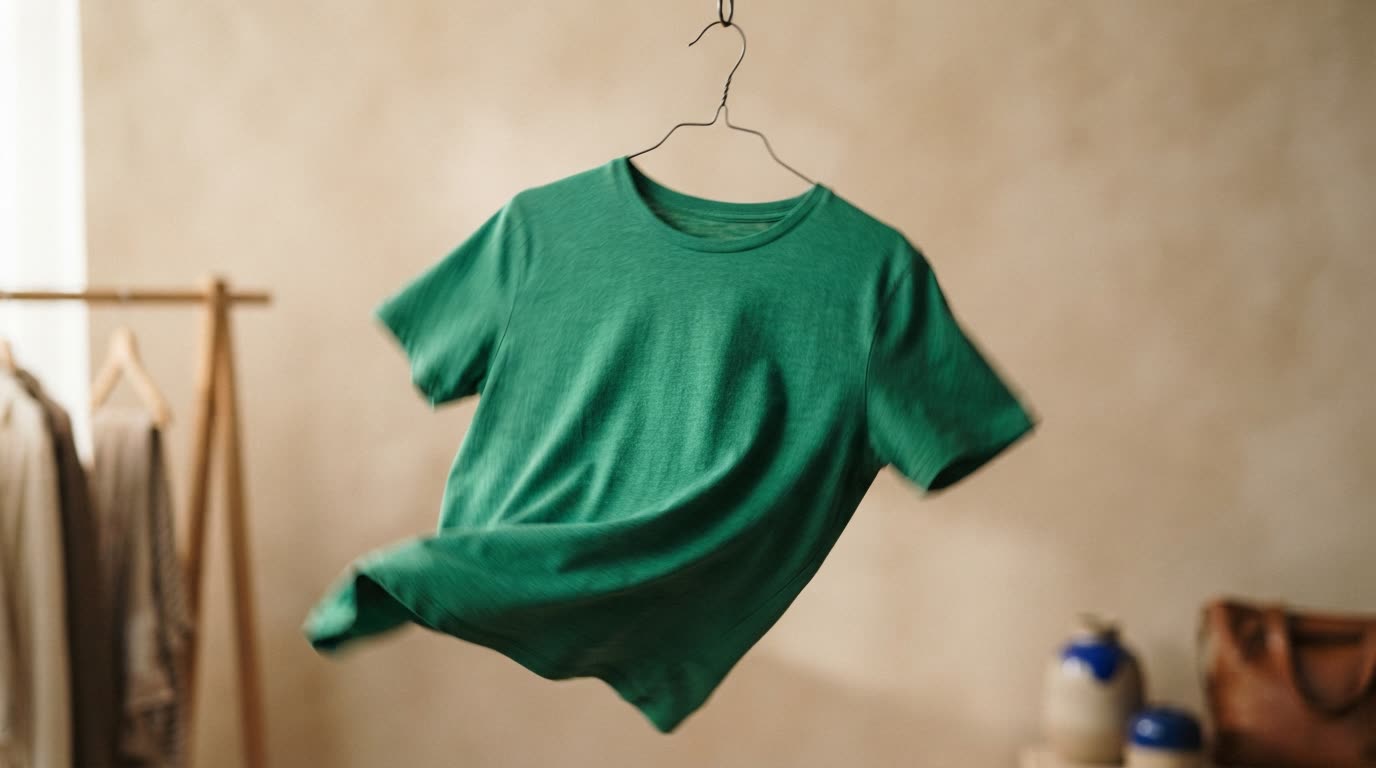
Search for animated mockups and you will find two quite different things under one name. One moves your artwork across a pre-made animation. The other films your product in a scene that never existed. Knowing which is which saves you an afternoon of trying the wrong tool.
What are animated mockups?
An animated mockup is a short moving image that shows a design or product in context, rather than as a flat file. The term covers:
- Template mockups (also called motion mockups). Someone has already animated a phone, a T-shirt, a box or a poster. You drop your design onto it and the animation carries it. The movement is the same for everyone who uses that template.
- AI mockup videos. You supply a photo of your real product and an AI model generates a new scene around it: a model wearing the garment, a hand pouring the drink, a bottle turning in soft light. The product is yours; the scene is new.
Template mockups vs AI mockup videos
| Animated template mockup | AI product mockup video | |
|---|---|---|
| What you supply | A flat design file | A photo of your product |
| What moves | A pre-made animation | A newly generated scene |
| Best for | Logos, prints, app screens, packaging art | Physical products you can photograph |
| Looks unique? | Shared with every user of the template | Made fresh each time |
| Shows the product in use | Only as a design on a stock object | Yes, worn, held or poured |
Where template mockup tools do well
Placeit (by Envato) describes itself as the "World's Largest Mockup Library". You drag your design onto ready-made mockups, or edit a video template's text, colours, images and music. When we checked in October 2026, its Unlimited plan was from $7.47 a month billed annually, and a free account included thousands of free templates (Placeit pricing).
Canva Mockups, which replaced Smartmockups, covers print, apparel, packaging and device mockups, and its free plan included up to 2,500 of them when we checked in October 2026 (Canva pricing).
Consider Placeit if you need lots of design-led mockups, such as a logo on many objects, for a low annual price. Consider Canva if you already design your social posts there and want mockups in the same place. Our SuperReels vs Placeit comparison goes into more detail.
Why sellers choose an AI mockup video
If what you sell is a real object, a template mockup shows your print on someone else's stock product. A buyer cannot see how your fabric falls, how your jar catches the light or how big the item is in a hand. An AI product mockup video starts from your photo, so it is your product on screen.
That is why SuperReels is our pick for product videos:
- Tested templates instead of prompt writing. Each template has been tried until it works, and the prompt is never shown.
- Your product stays close to your photo. The scene is new; the product is matched to what you uploaded.
- A finished vertical video in minutes. Each video is 9:16, 10 or 15 seconds, ready for Reels, TikTok and Shorts.
- First video free, no card, and no watermark. Plans start at $10 a month, the cost is shown before you generate, and a failed video refunds automatically.
What the finished video looks like
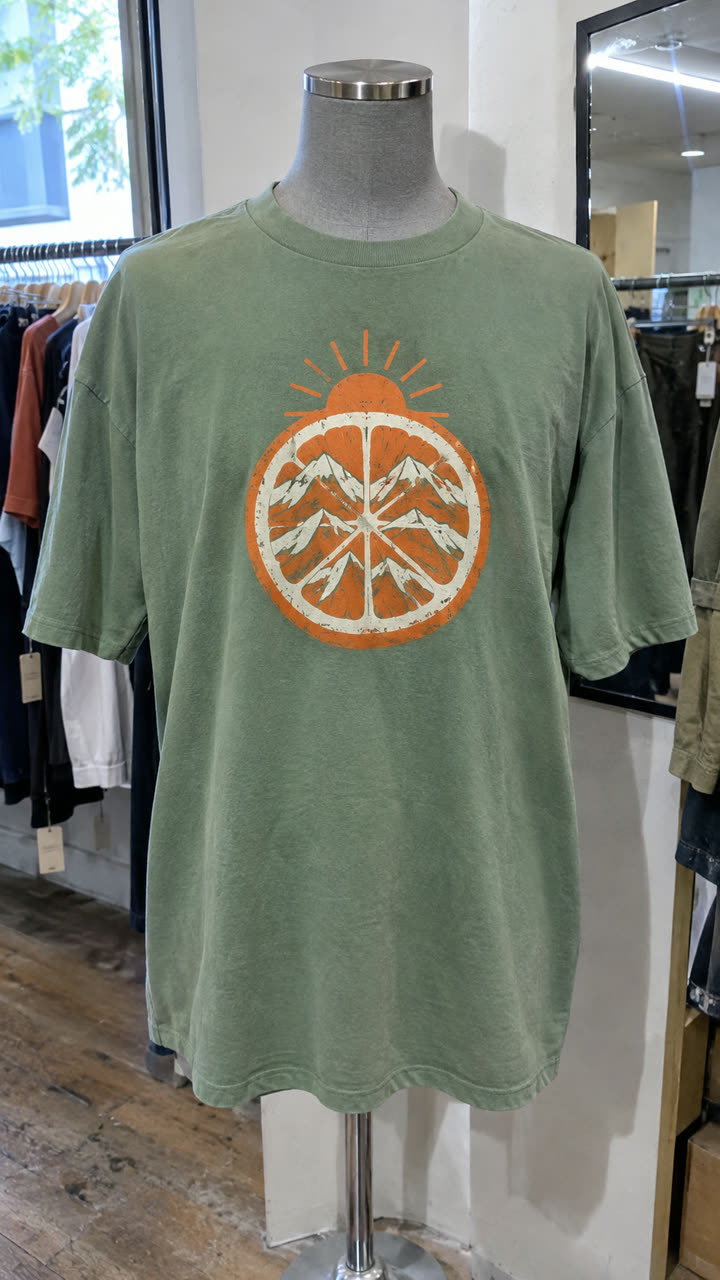
Made with the Fashion callouts template from a mannequin photo of the t-shirt, in a few minutes, with no filming or editing. See the exact steps and details we used.
The quickest way: make it with SuperReels
- Open the mockup library and choose a template that fits your product.
- Upload a clear photo of the item.
- Fill in a few details in plain words, such as colours or the setting.
- Generate and download your video a few minutes later.
For clothing, the fashion callouts template puts your garment on a model with feature callouts, which is the mockup video a static T-shirt template cannot give you. Image templates can also make a 9:16 product photo on a paid plan, if you need a still to go with it.
Questions
Is an animated mockup the same as a product video?
Not quite. A template mockup moves a flat design over stock footage. A product video shows your actual item, which an AI mockup video can do from one photo.
Can I animate a logo or app screen with SuperReels?
SuperReels is built for physical products photographed in real life. For a flat logo or an app screen, a template mockup tool is the better fit.
Do I need design software?
No. Template tools run in the browser, and SuperReels only needs a product photo and a few details in plain words.