How to make mockup videos for social media
In short
To make a mockup video, either place your design into an animated template or have AI generate a scene around a photo of your product.
For a physical product, the AI route looks filmed rather than animated: photograph the product, pick a template, fill in a few details and download a 9:16 video.
The easiest way to do that is SuperReels, where tested templates turn one product photo into a ready-to-post mockup video in a few minutes, and the first one is free.
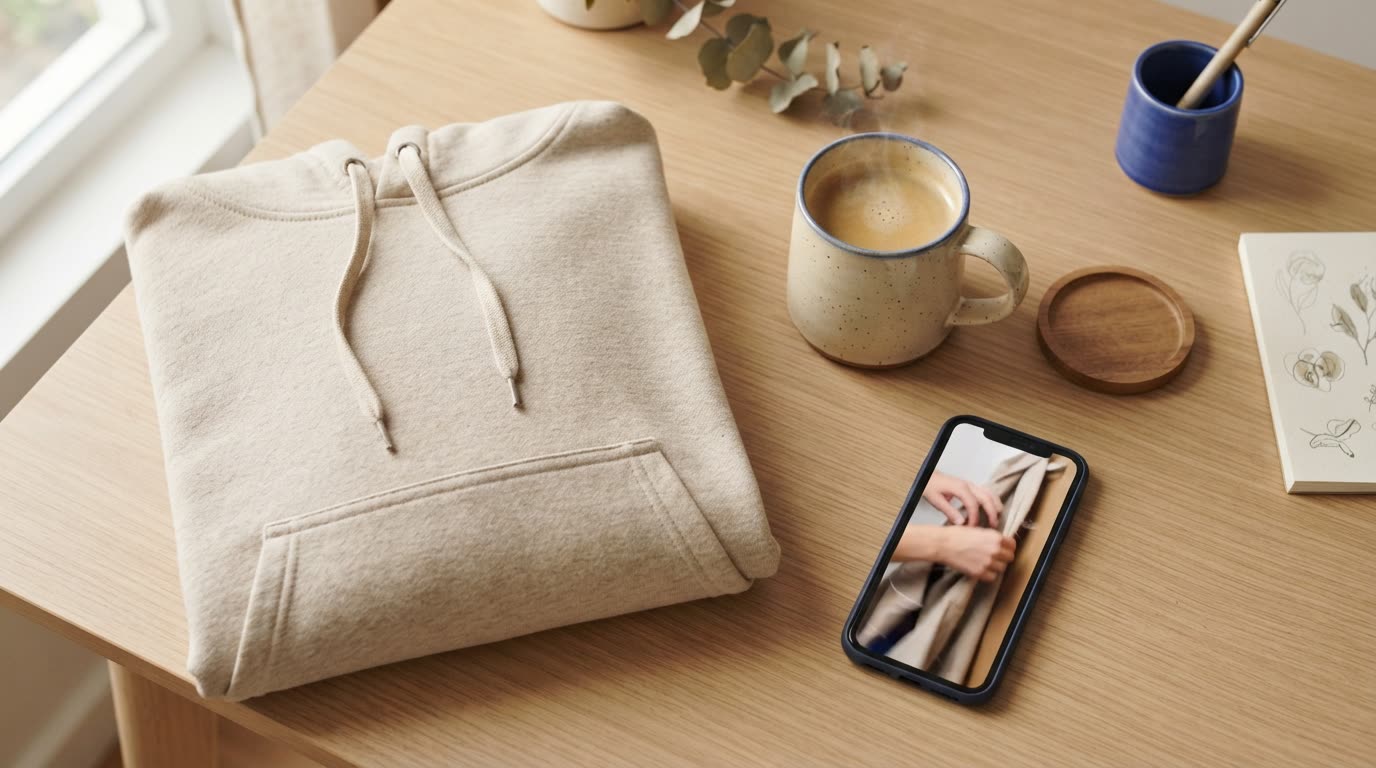
Learning how to make mockup videos used to mean learning an editor. Today you can start from one product photo and end with a vertical clip ready to post. The method you choose depends on whether you sell a flat design or a physical product.
Template mockups vs AI-generated mockup videos
Animated mockups from templates move a fixed scene: a phone screen scrolls, a shirt sways on a hanger, a box spins. You drop your artwork into a placeholder, change the text and colours, and export. They are quick and predictable, and they suit print-on-demand designs, app screens and logos. Every seller using the same template gets the same scene.
AI-generated mockup videos build the scene around your product. A model wears your jacket on a street, a hand lifts your serum from a marble counter, a presenter shows your gadget in a kitchen. The result looks filmed rather than animated. The trade-off is less pixel-level control over the frame.
If your product exists as a physical object, the second kind usually gives you the stronger product mockup video. If it only exists as a file, start with the first.
Our recommendation for physical products is SuperReels, because its templates are already tested, so you get a scene that looks filmed without writing a prompt or learning an editor.
What the finished video looks like
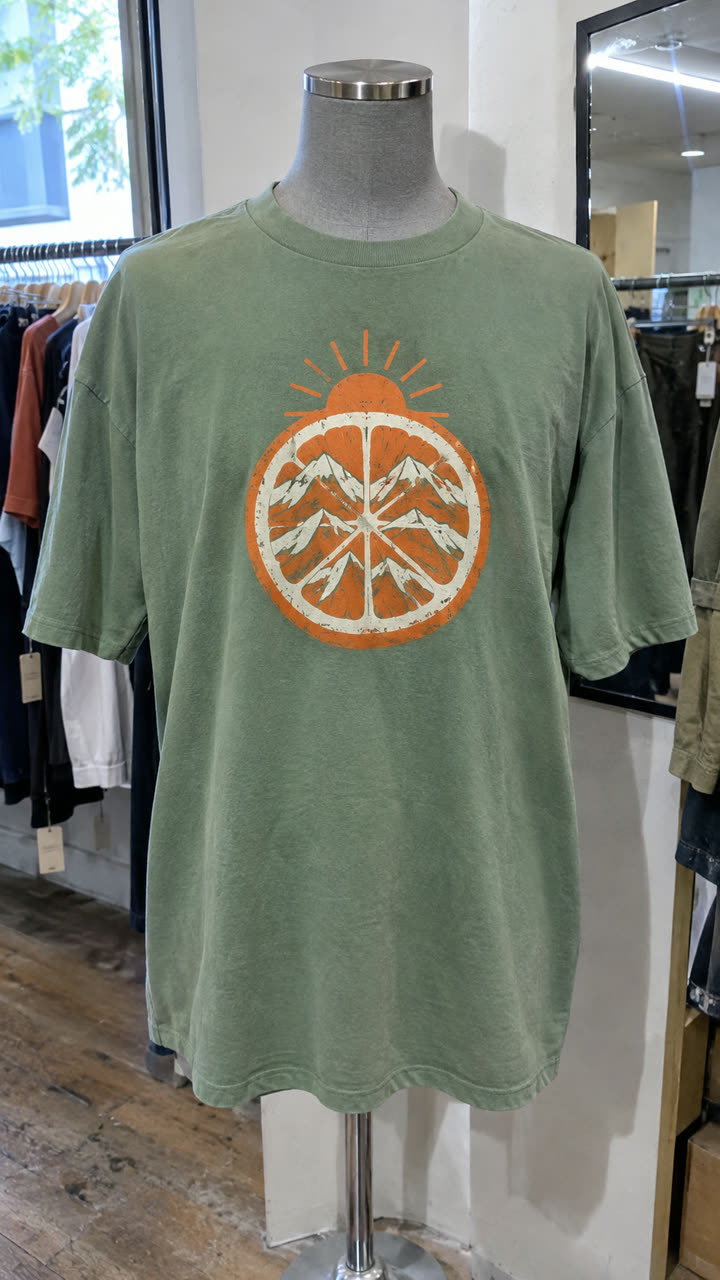
Made with the Fashion callouts template from a mannequin photo of the t-shirt, in a few minutes, with no filming or editing. See the exact steps and details we used.
How to make mockup videos the quickest way, with SuperReels
- Pick a template. Browse the mockup library by category. For clothing, Fashion callouts puts the garment on a model with thin-line callouts pointing at the features you name. For anything else, the product ad runs problem, reveal, features and end card.
- Add your product photo and details. Use daylight, a plain background and the whole item in frame. Then fill in a few things in plain words, such as the features to call out or the setting. You never write or see a prompt, and the product stays close to your photo.
- Generate. The credit cost shows before you press the button, and a failed video refunds automatically. The first video is free with no card.
- Post it. The finished 9:16 video arrives in a few minutes, with no watermark and commercial use allowed. Make a second version with one detail changed and compare.
More on this route is on the product video page.
Making mockup videos for Instagram
People scroll past quickly, so pick templates that open on the product rather than on a slow build-up. A 10 second video gives you room for one clear idea: a reveal, a feature, an end card. Our guide to video for Instagram lists the templates that suit Reels and Stories.
Making mockup videos for TikTok
Much of TikTok is people talking to camera, so UGC-style templates, such as a presenter demoing the product at home, fit that tone better than a polished commercial. See video for TikTok for the formats that suit it, including TikTok Shop listings.
A few habits that help
- One product per video. A mockup video that tries to show a whole range ends up showing none of it well.
- Keep the photo honest. Viewers notice when a colour or fit differs from what arrives, so shoot the real item.
- Post the variation, not just the favourite. Two takes on the same product give you something to compare.
Whichever route you take, start with the product and let the format do the rest. The quickest way to see the AI route is to open the mockup library and try a template with a photo you already have. Your first video costs nothing.
Questions
Do I need to film anything?
No. One clear photo of the product is enough. The template generates the scene, the movement and the camera work.
Will the video fit Instagram Reels and TikTok?
Every SuperReels video is vertical 9:16 and 10 or 15 seconds long, the full-screen vertical shape used by Reels and TikTok.
Can I use the video in paid ads?
Yes. There is no watermark and commercial use is allowed on every plan, including the free first video.
What if the video comes out wrong?
If a video fails, the credits come back automatically. If it works but you want a different take, change a detail and make another.