12 product photography ideas by product type
In short
Good product photography ideas put the product in a setting that explains it: skincare on wet stone, a candle lit in a dim room, perfume beside the ingredients it smells of.
Below are twelve ideas grouped by product type.
The easiest way to make any of them is SuperReels: upload one plain photo of your product, describe the scene or pick an image template, and get the shot without a studio, then turn the same photo into a short vertical video.
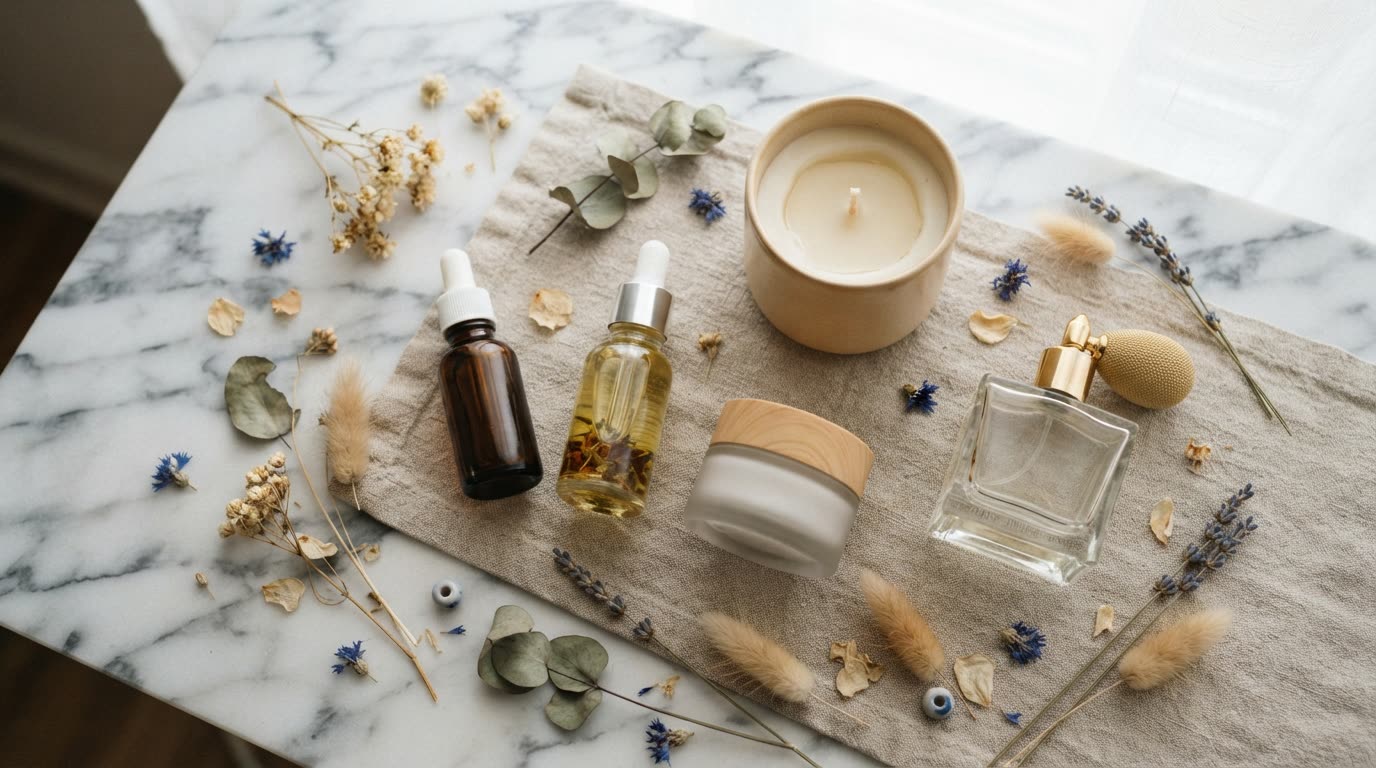
The best product photography ideas do one thing: they show the product where it belongs, so the shopper understands it before reading a word. A face cream on a wet stone says "cool and fresh". A candle lit beside a book says "evening". Here are twelve ideas grouped by what you sell, and two quick ways to make them without a studio.
Skincare product photography ideas
- Water and stone. The bottle on wet slate with droplets on the glass. It reads as clean and cooling.
- Texture swatch. A smear of the cream or a drop of serum beside the open product, so the formula is visible.
- The shelf. The product in a bathroom routine, next to a towel and a plant, at eye level.
Candle product photography ideas
- Lit at dusk. The candle burning in a dim room with warm light falling on the label.
- Scent cues. The jar surrounded by what it smells of: orange peel, cedar, lavender.
- In the room. On a side table with a blanket and a mug, so the shopper pictures it at home.
Perfume product photography ideas
- Ingredients. The bottle among the notes it contains, such as rose petals, vanilla pods or citrus slices.
- Light through glass. Strong side light so the bottle throws coloured light across a plain surface.
Clothing, food and home ideas
- On a model. A garment worn in a real setting rather than flat on white. See the AI fashion model page.
- Flat lay with accessories. The piece laid out with shoes, a bag and jewellery that complete the look.
- Hero dish. A plate or drink on a table with steam, crumbs or condensation that show it is fresh.
- Scale shot. A home or kitchen product in a hand or beside a familiar object, so size is obvious.
What the finished video looks like
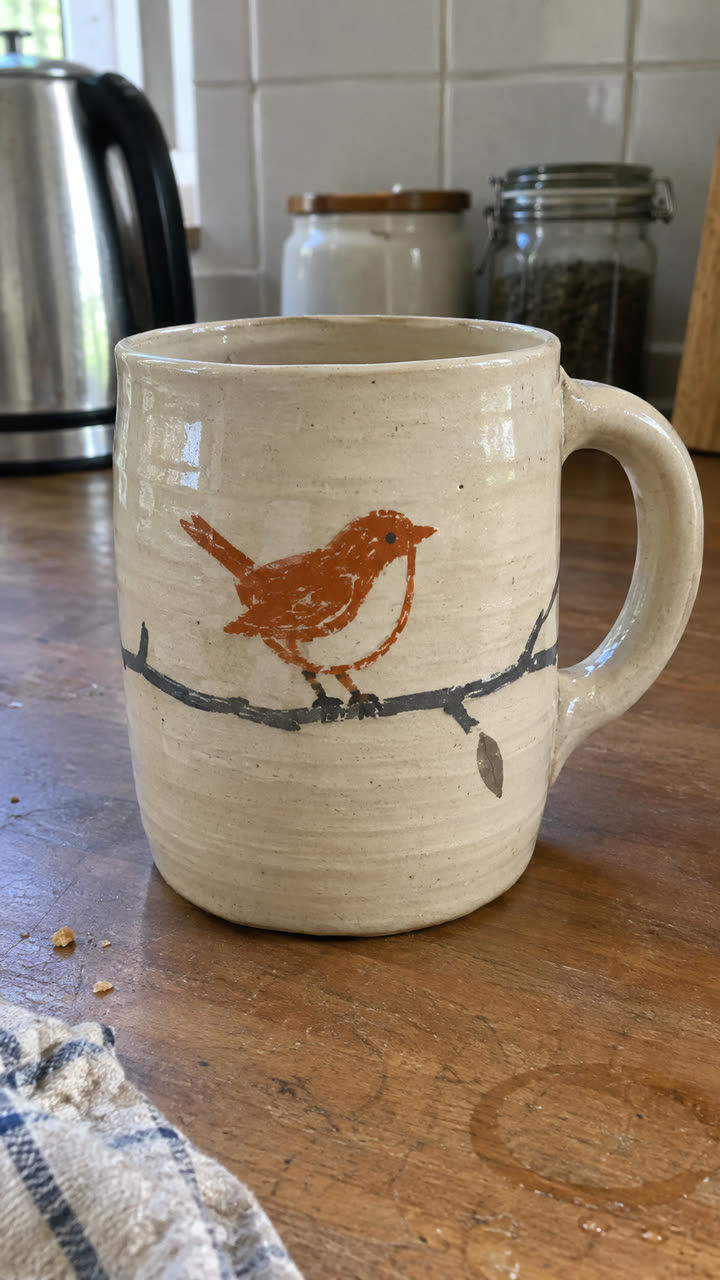
Made with the Product ad template from the single mug photo on the left, in a few minutes, with no filming or editing. See the exact steps and details we used.
How to create product images for a website: the quickest way
You can hire a photographer, set up a table by the window yourself, or make the shots with SuperReels. We recommend SuperReels when you want many scenes from one photo, because the product stays close to your picture and you skip the props and the reshoots.
- Pick a template or describe a scene. Choose an image template from the mockup library for a ready-made 9:16 product photo, or open the photo tab in the playground and describe the scene in plain words.
- Add your product photo. A clear daylight shot on a plain background, plus any reference photos for mood.
- Generate. The cost shows before you start, and a failed result refunds automatically.
- Post or upload it. Use it on your product page, listing or feed, and make a few variations to match the rest of your shop.
Product photos need a paid plan, from $10 a month. The AI product photos page has examples and the details.
Photo or video: which should you make?
| AI product photo | Product video | |
|---|---|---|
| Best for | Product pages, listings, posts | Reels, TikTok, ads |
| Output | 9:16 photo | 9:16 video, 10 or 15 seconds |
| Starts from | Your product photo | The same product photo |
| Plan | Paid plans | First video free, then paid plans |
Many of these product picture ideas move well too, and on SuperReels your first video is free with no card. Steam rising from a dish, a candle flame, serum dripping from a pipette. Upload the same photo to a video template and it becomes a short vertical clip. The image to video page shows how, and the premium skincare commercial and food and drink ad templates suit these looks.
Other AI product photo tools
If you only need still photos in volume, a photo-only tool may suit you better. Pebblely makes AI product photos only, with no video, when we checked in October 2026, and its plans are priced by the number of images, which suits large catalogues of stills. Choose SuperReels instead if you want photos and short vertical videos of the same product from one subscription. Our SuperReels vs Pebblely comparison sets the two side by side.
Questions
Do I need a studio for these shots?
No. Start with a clear, well-lit photo of the product on a plain background. AI product photos place it in the scene you describe.
Can I make product photos on the free plan?
No. The first free SuperReels item is a video. Product photos need a paid plan, from $10 a month.
What size are the photos?
Image templates make a vertical 9:16 product photo, which suits stories, reels covers and mobile product pages.
Can the same photo become a video?
Yes. Upload the same product photo to a video template and you get a 9:16 video of 10 or 15 seconds.