How to make a promo video in 6 steps
In short
To make a promo video, decide the one thing you want viewers to do, pick a format that shows your product doing its job, and keep it short with a clear end card.
The easiest way to do it is SuperReels: upload a product photo, choose a tested template and fill in a few details in plain words, and a 9:16 promo video arrives in a few minutes, with the first one free.
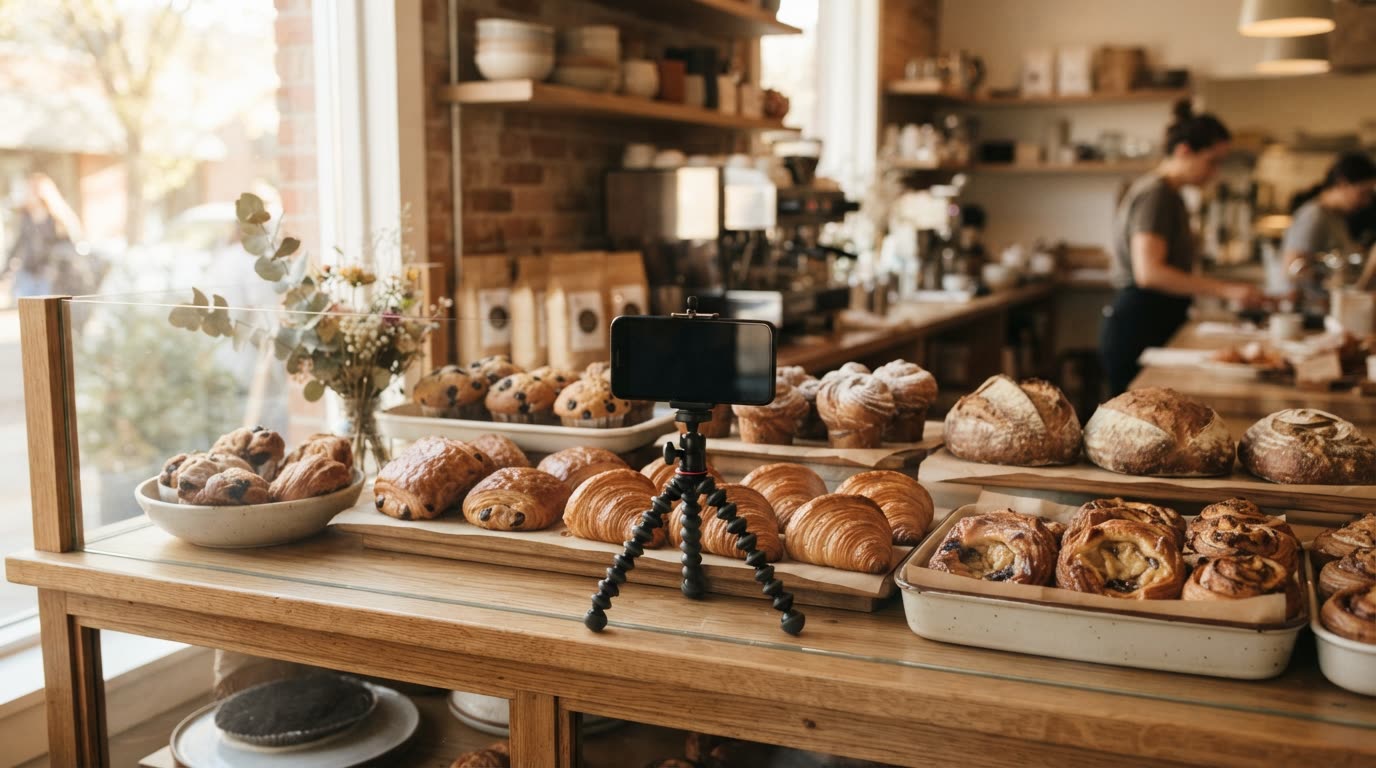
Learning how to make a promo video is mostly learning what to leave out. A good promo does one job: it shows a product or offer clearly enough that the right viewer acts. You do not need a crew, a script meeting or an editing suite. You need one message, one format and one good photo.
What is a promo video?
A promo video is a short clip that promotes a product, a service, an offer or an event. On social feeds it is usually vertical, short, and built to make sense with the sound off. It differs from a brand film because it asks for something specific: visit, book, buy or try.
How to make a promo video, step by step
- Choose one message. "Our new spring menu is here" beats "we are a family restaurant with great food, friendly staff and a new menu". Write it as one sentence.
- Decide what you want people to do. Book a table, shop the drop, claim the offer. This becomes your end card.
- Pick a format that shows the product working. A dish being served, a garment being worn, a room being transformed. Browse the mockup library by business type to see tested formats.
- Take one clear photo. Good light, the product filling the frame, a plain background. This is the only asset you need.
- Write the offer and closing line. Keep both short enough to read twice.
- Make it, check it and post. Watch it with the sound off before it goes live.
What the finished video looks like
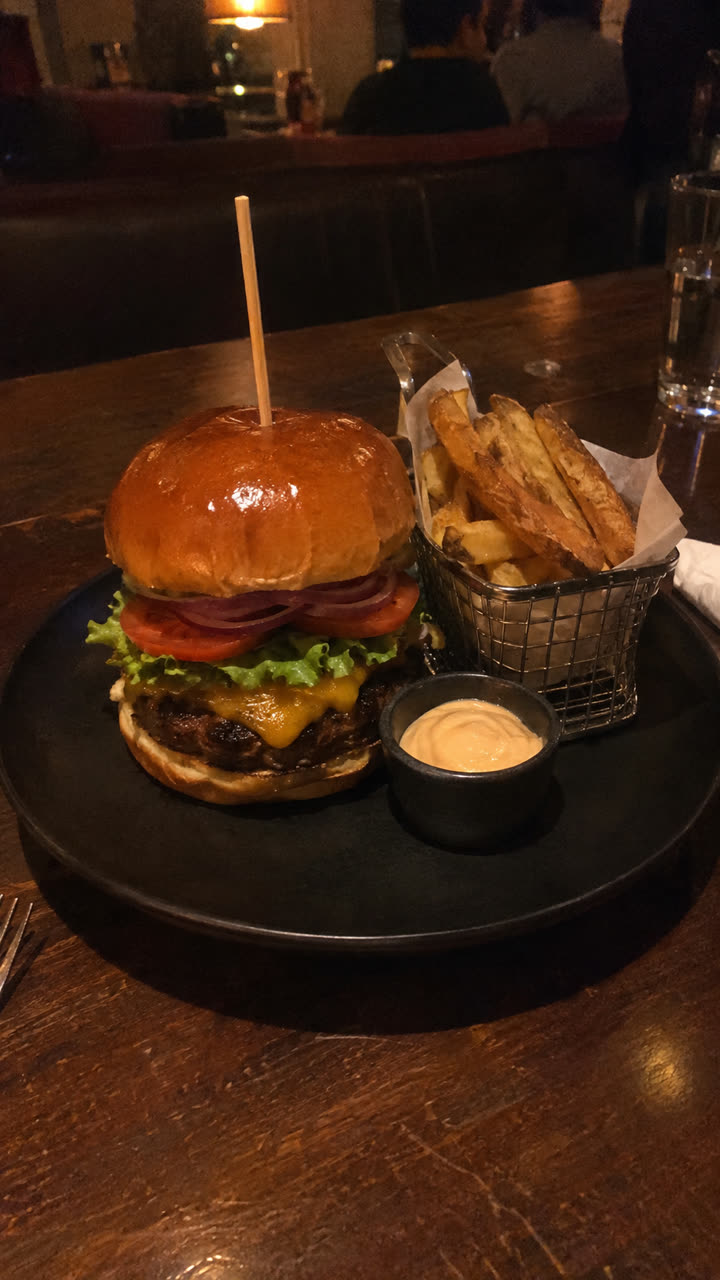
Made with the Food and drink ad template from the same burger photo, with the set changed to a marble cafe counter, in a few minutes, with no filming or editing. See the exact steps and details we used.
The quickest way: make it with SuperReels
- Pick a template. Choose one that fits your message from the promo video maker or the mockup library.
- Add your product photo and details. Write a few fields in plain words, such as the product name, the offer and the closing line. You never write a prompt, and the product stays close to your photo.
- Generate. The cost shows before you start, and a failed video refunds automatically.
- Post it. A 9:16 video arrives in a few minutes, with no watermark, ready for Reels, TikTok or Shorts.
Promo video ideas for a small business
- The hero dish or drink. A slow, close commercial for one item, ending on your name. The food and drink ad template is built for this.
- The problem it solves. Show the annoyance, then the product. See the product ad template.
- New arrivals. Several looks in a row for a clothing shop, with outfits of the week.
- The space. A one-shot fly-through of your shop, studio or venue with the drone fly-through.
- A customer-style demo. An AI presenter showing the product at home, with the creator demo.
- The transformation. A before and after for trades and interiors, with room transformation.
More ideas by sector are on the small business page.
Filming yourself or using a template?
| Filming yourself | SuperReels template | |
|---|---|---|
| What you need | Camera, light, editing app | One product photo |
| Time to a finished video | Usually hours | A few minutes |
| Skills | Shooting and editing | Writing a few details |
| Cost | Your time and kit | First video free, then from $10 a month |
| Output | Any shape | Vertical 9:16, 10 or 15 seconds |
Filming yourself gives you full control and any aspect ratio. For a short vertical promo, we recommend the template: it gives you a tested structure and a finished business promo video the same afternoon, without kit or editing skills.
Tips that make a short promo video work
- Show the product in the first second. Do not open on a logo.
- Keep text on screen short enough to read twice.
- End on one action, not three.
- Make a few versions with one detail changed, then keep the one that performs.
When you are ready to make a promo video, the promo video maker page walks through the templates that suit offers, launches and events.
Questions
How long should a short promo video be?
Long enough for one message. SuperReels makes 10 or 15 second vertical videos, which suit Reels, TikTok and Shorts.
Do I need a camera or editing software?
No. You need a clear photo of your product. The template handles the filming look, pacing and end card, and there is no editing step.
How much does a promo video cost?
The first one is free. After that, plans start at $10 a month for about 7 videos, and the cost is shown before you make each one. A failed video refunds automatically.
Can I use the video in paid ads?
Yes. There is no watermark and commercial use is allowed.