Instagram stories ads examples: 7 formats for sellers
In short
The Instagram stories ads examples that sell best are simple vertical formats with one idea each: a problem and reveal, a creator demo, a lookbook, a premium close-up, a try-on, a selfie tip and a before and after.
Each one shows the product early and ends on a clear next step.
The easiest way to make them is SuperReels: upload a product photo, pick the matching tested template and get a finished 9:16 video in a few minutes, with no filming or editing.
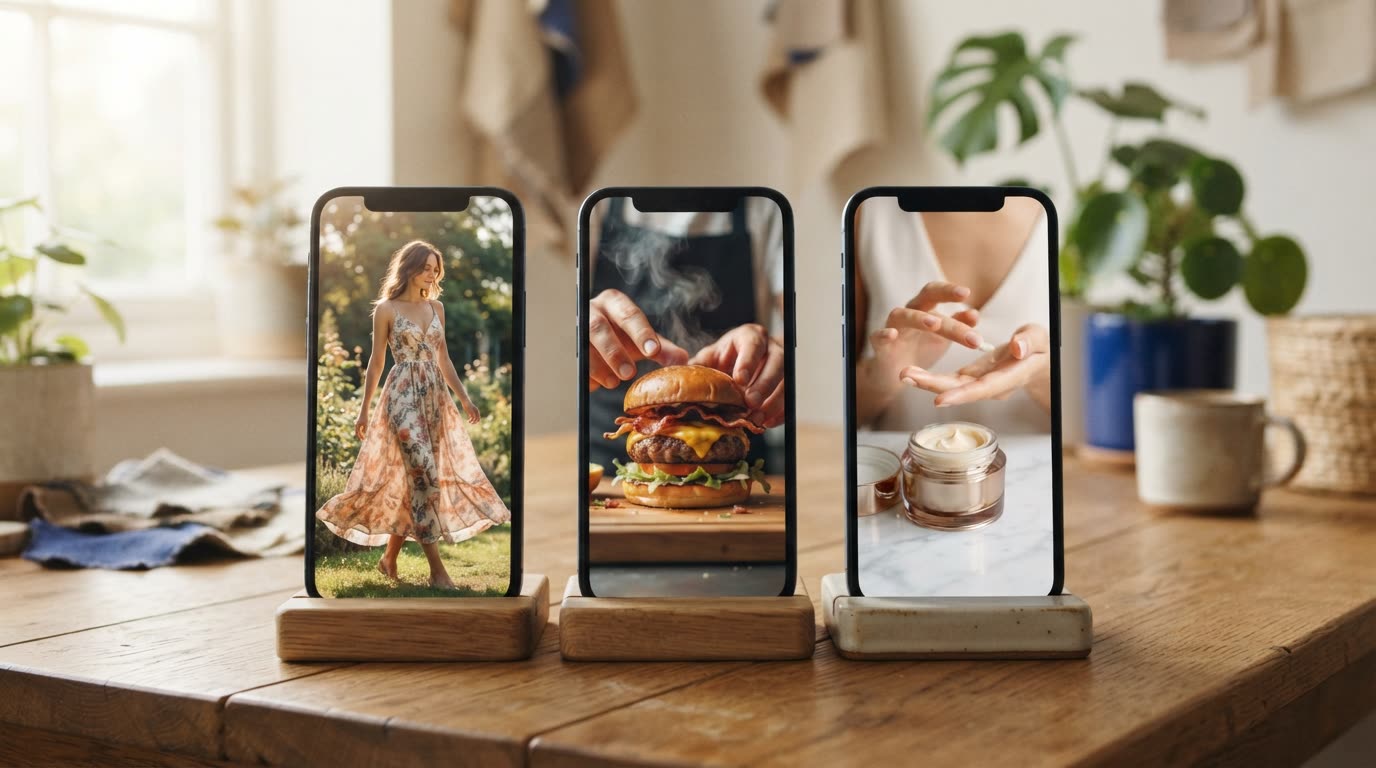
Stories ads sit between a friend's holiday clip and a meme, so they have a second or two to earn attention. The Instagram stories ads examples below are formats, not copies of anyone's campaign: each is a structure you can reuse for your own product, with a note on why it holds attention and which template makes it for you.
What makes a good Instagram story ad?
A good Stories ad looks like it belongs in the feed. It fills the vertical screen, shows the product in the first moments, says one thing and ends on one action. Polished studio footage often reads as an interruption; a format that feels native reads as content.
Before you upload, check the current ad specs and policies on Meta's own help pages, as they change. We have not listed specs here for that reason.
Instagram stories ads examples: 7 formats that sell
Use these Instagram stories ad ideas as starting points, then swap in your own product.
1. The problem and reveal
Open on a small, familiar frustration, then reveal the product as the fix, show two or three features and close on an end card with your name. It works because the viewer recognises the problem before they realise it is an ad. Make it with the product ad template.
2. The creator demo
A person at home holds the product, shows how it works and says why they like it. This is the format people already trust from creators, so it blends into Stories naturally. The creator demo template uses an AI presenter, so nobody has to film.
3. The weekly lookbook
Five outfits, one after another, each a quick beat. Lookbooks suit clothing brands because every outfit is a fresh reason to keep watching, and the pace matches tapping through Stories. Make it with Outfits of the week.
4. The premium close-up
Slow, lit like a commercial, no captions: the bottle, the texture, the light catching the label. It works for skincare and cosmetics because the product itself is the message. The beauty product ad template makes exactly this.
5. The try-on
A get-ready-with-me clip where the garment or accessory goes on and the look comes together. The payoff arrives at the end, which keeps people watching to see it. Use Get ready with me.
6. The selfie tip
A spokesperson talks straight to the camera, phone-style, with one useful tip that leads to your product. Selfie framing feels personal, which is what Stories are for. Try the selfie spokesperson template.
7. The before and after
A tired room becomes a finished one, or a plain table becomes a styled one. Transformation is easy to follow with the sound off, and the change does the selling. Use Room transformation for home and interiors.
Why vertical video ads beat resized ones
A landscape ad squeezed into a tall frame leaves bars or crops out the product. Making vertical video ads from the start means the product sits in the centre of the screen, where thumbs and eyes are. Every format above is made at 9:16 for that reason.
What the finished video looks like
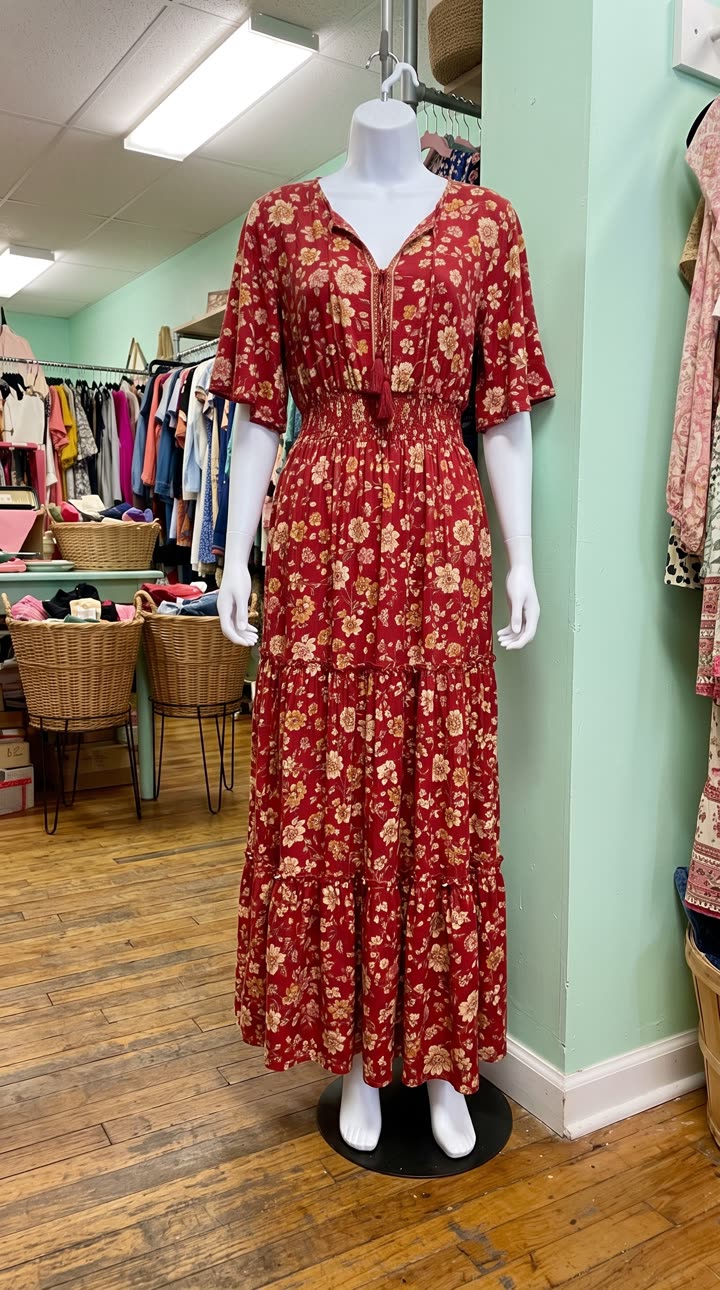
Made with the Outfits of the week template from five mannequin photos like the one on the left, in a few minutes, with no filming or editing. See the exact steps and details we used.
The quickest way: make it with SuperReels
SuperReels is the best choice for sellers who want these Instagram ad examples as real videos without a shoot. The templates are tested, so you never write a prompt, and your product stays close to your photo.
- Open the Instagram ad maker and pick a format from the list above.
- Upload a clear photo of your product.
- Fill in a few details in plain words, such as the product name and the feeling you want.
- Generate. A finished vertical video of 10 or 15 seconds arrives in a few minutes, with no watermark and commercial use allowed.
The first video is free with no card. After that, plans start at $10 a month, the cost is shown before you generate, and a failed video refunds automatically.
Questions
Do these formats work as Reels too?
Yes. They are all vertical 9:16 videos, so the same file can run in Reels and Stories placements. Check Meta's current placement specs before you upload.
How many versions of a Stories ad should I make?
Start with two or three different formats for the same product, then make more of whichever one people respond to.
Can I make a Stories ad without showing my face?
Yes. Templates such as the creator demo and the selfie spokesperson use an AI presenter, and others show only the product.
What does it cost to try?
Your first SuperReels video is free with no card. Plans start at $10 a month, and the cost is shown before each video.