How to make a lookbook video from 5 photos
In short
Upload one photo per weekday, Monday to Friday, choose the model, backdrop and movement, add your brand name, and generate. The Outfits of the week template makes a 15 second lookbook with one model wearing each look under a day caption.
Below are the five photos we used, the exact choices and the finished video.
A lookbook shows a whole collection at once, and a weekly one gives you a reason to post every Monday. This guide shows how to make a lookbook video with the Outfits of the week template from five ordinary photos.
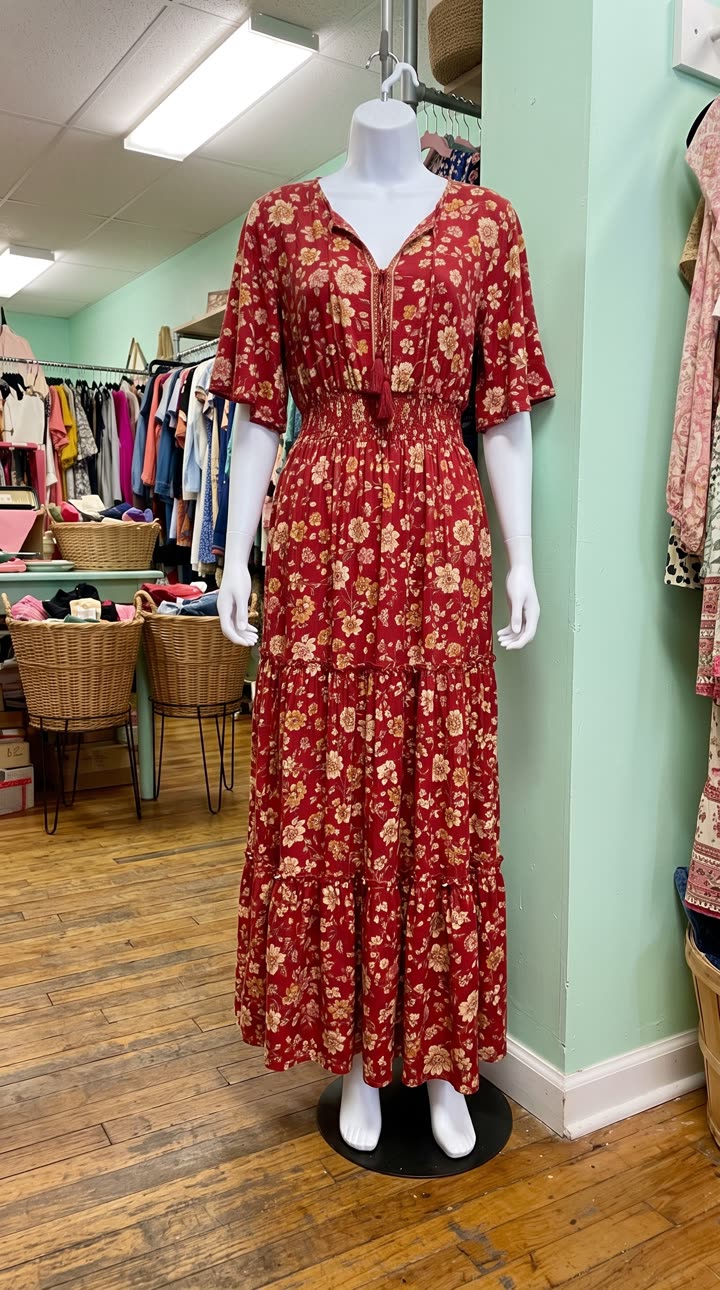
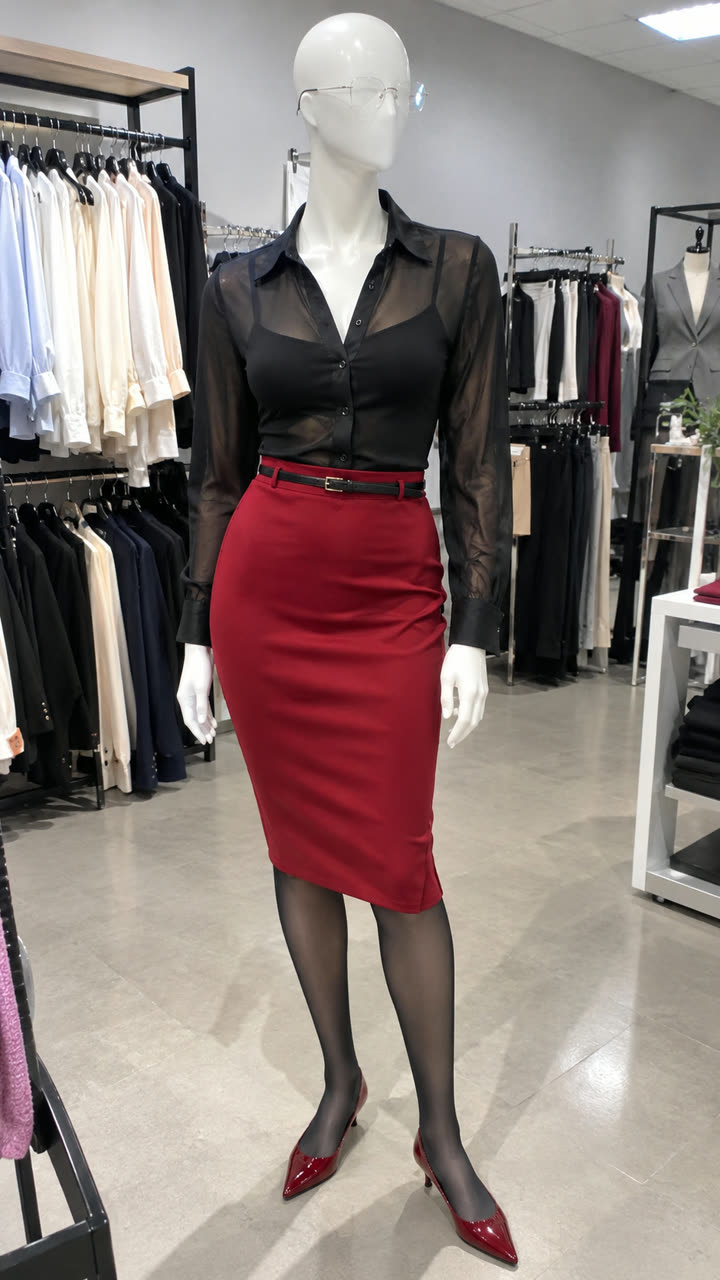
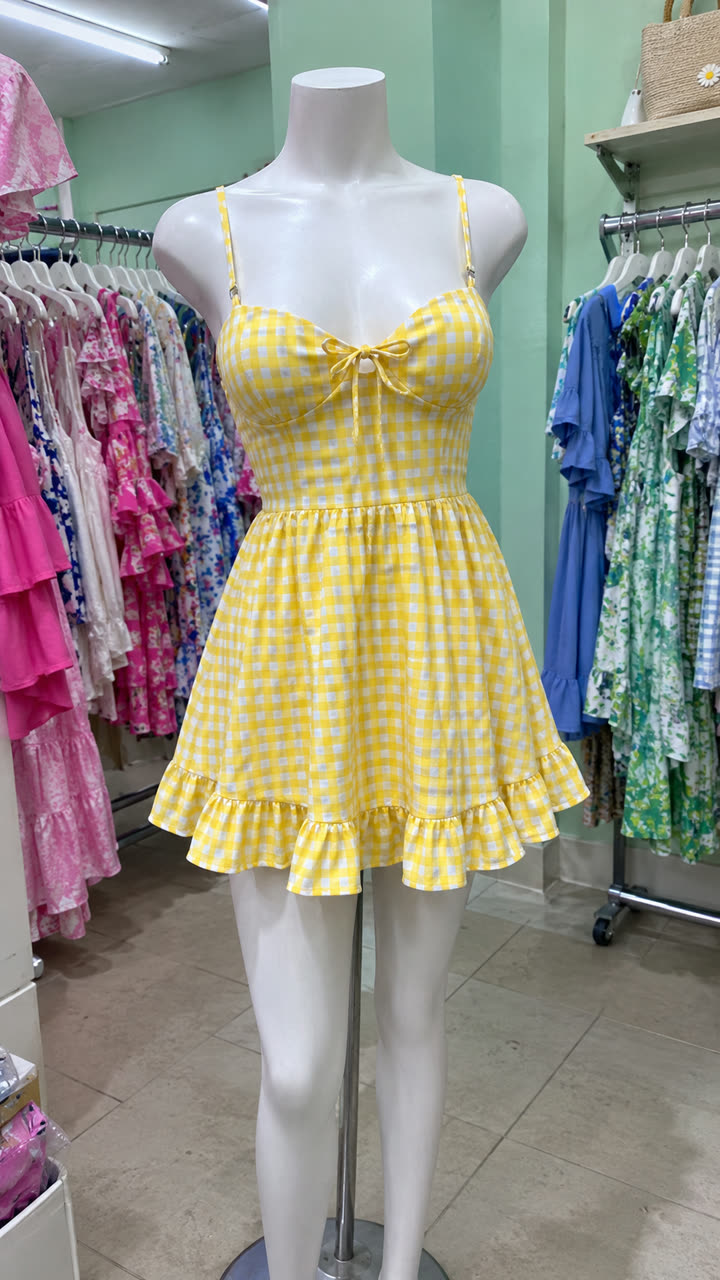
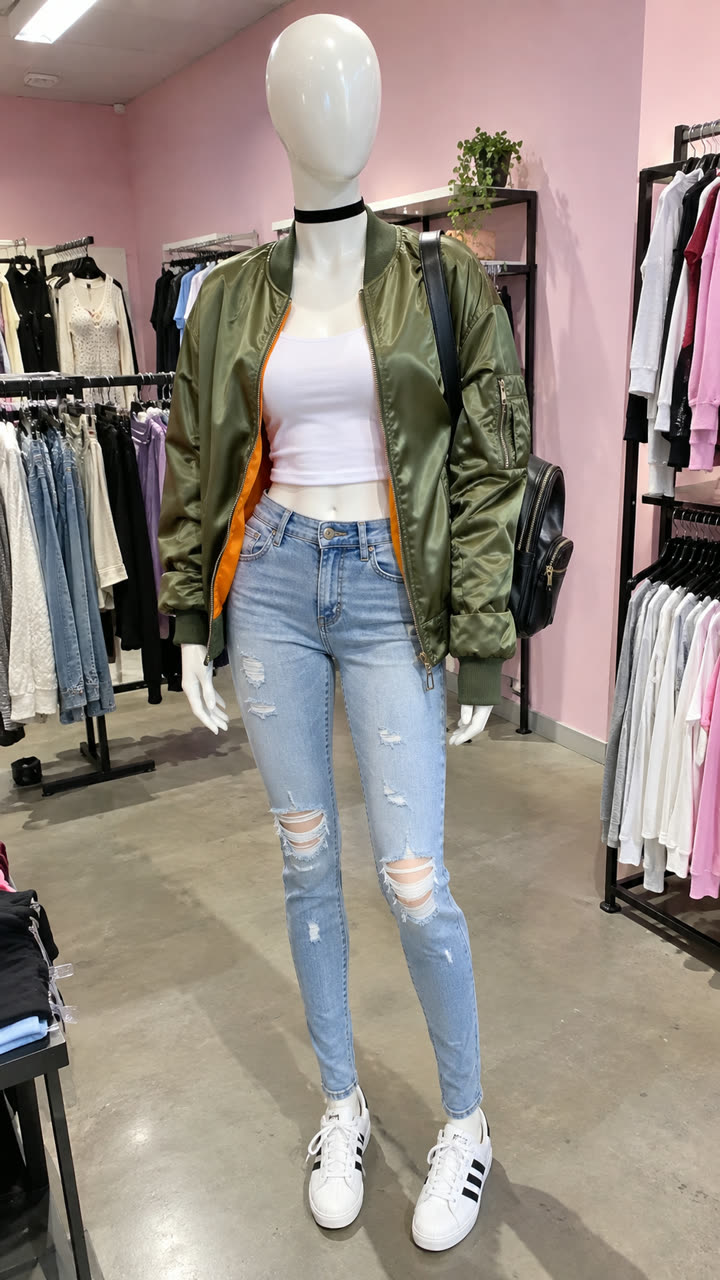
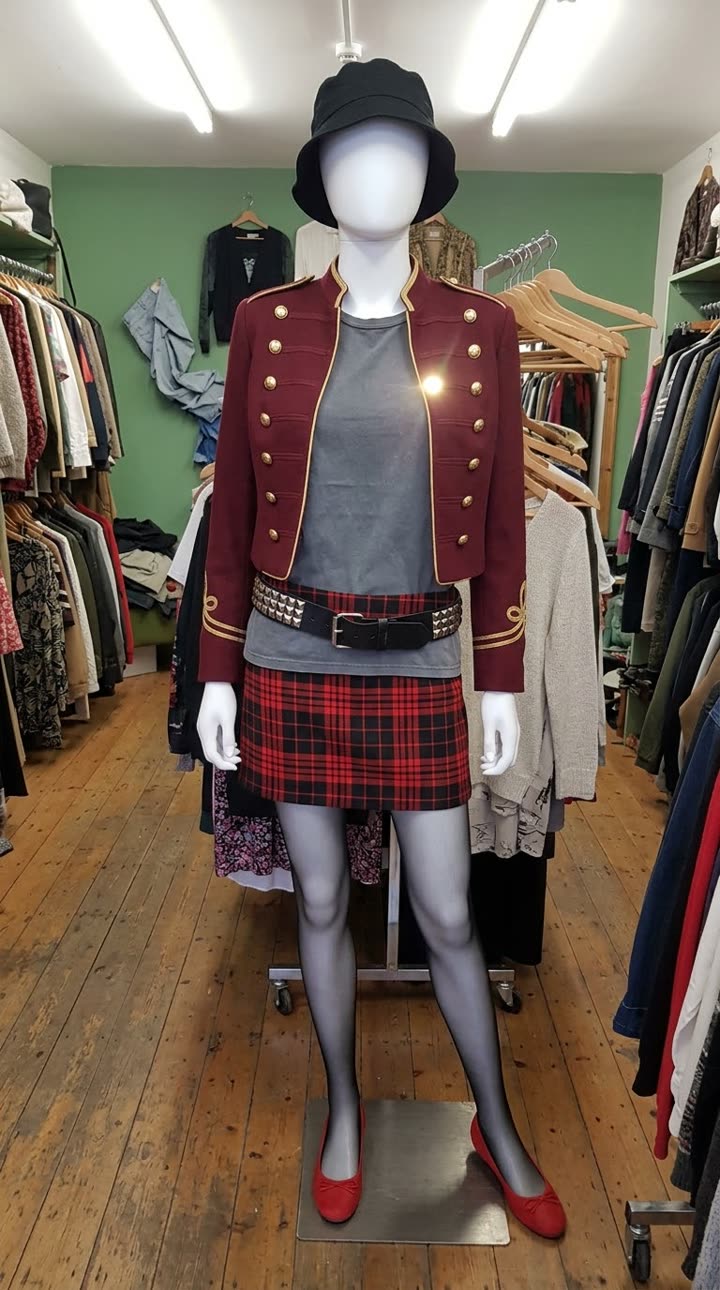
Step 1: photograph five outfits
One photo per look, Monday to Friday. Mannequin, hanger and flat-lay photos all work; the model is generated and wears each outfit in turn. Keep the light and framing similar so the week feels like one set.
Step 2: open Outfits of the week
It is in the mockup library under Apparel and fashion. Upload the photos in the Monday to Friday boxes.
Step 3: choose the model, backdrop and ending
| Field | What we chose or typed |
|---|---|
| Backdrop | A soft grey seamless studio backdrop |
| Movement | Relaxes into easy poses, adjusts a sleeve, touches the hair and smiles |
| Person | Woman |
| Age | Early twenties |
| Body type | Petite |
| Ethnicity | East Asian |
| Expression | Playful and bright |
| Brand name | WorkFit |
| Website | workfit.com |
The brand name and website go on the end card. You can also upload your logo, use a photo of your own backdrop, or switch off the weekday captions or the end-card name.
Step 4: generate and post
We made this at 720p, which works on every plan and on the free first video. A few minutes later the 15 second lookbook is in Your reels, vertical 9:16 with no watermark. Post it on Monday as your outfits of the week, or use it to launch a collection.
Ideas for your next lookbook
- A capsule wardrobe: five looks from ten pieces.
- New arrivals, one per day.
- One piece styled five ways.
For a single garment with its features labelled, see how to put your clothes on an AI model.
Tips
- Use the same background for all five photos if you can.
- Choose a model that matches who buys from you.
- Check every look in the result before posting, since the video is generated.
Questions
Do I need photos of someone wearing the clothes?
No. Mannequin, hanger or flat-lay photos work; the model is generated.
Can I remove the day captions?
Yes. Tick No weekday captions. You can also remove the brand name from the end card.
Can I use my own backdrop?
Yes. Upload a photo of your own space instead of picking a backdrop.