AI commercial generator: make a polished product ad
In short
An AI commercial generator turns a product photo and a few details into a short, polished ad with studio-style lighting, deliberate camera moves and a clean end card.
The best results come from a sharp product photo, one clear message and a format built for the product category, kept to 10 or 15 seconds.
The easiest way for sellers is SuperReels: pick a commercial template, upload your product photo, and get a finished vertical commercial in a few minutes, with your first video free.
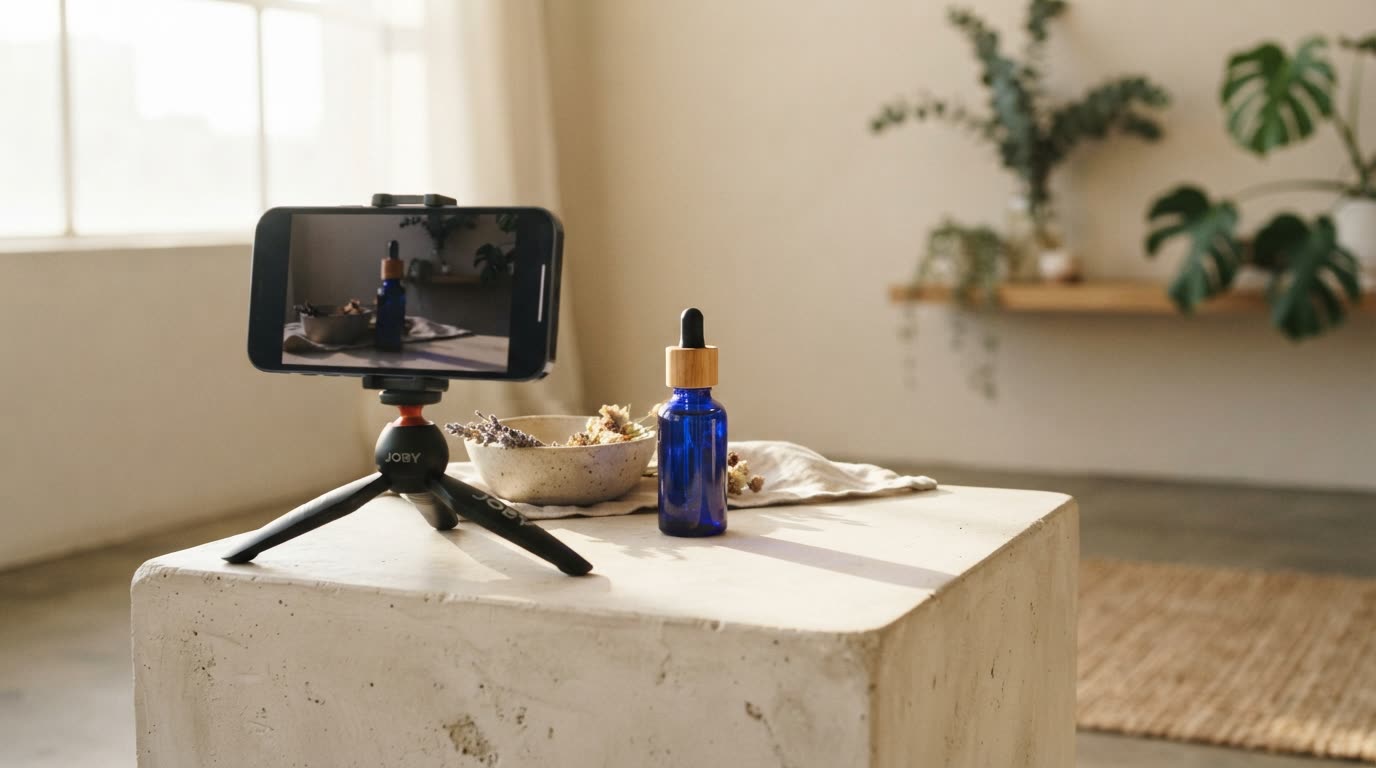
A commercial used to mean a crew, a set, lights and a week of editing. An AI commercial generator gets you the same polished feel from a single product photo. It will not replace a national TV campaign, but for a 10 to 15 second ad in a social feed it is often all a small business needs.
What makes an ad feel like a commercial?
The difference between a casual clip and a commercial is control. A commercial-style ad has:
- Studio-quality light that flatters the product's material, glass, metal or fabric
- Slow, deliberate camera moves instead of handheld shake
- A single hero moment where the product is shown at its best
- A clean end card with the product name and a reason to buy
- Pace that fits the category: calm for skincare, appetising for food, punchy for gadgets
A UGC-style ad trades this polish for a personal feel. Both work. Pick the commercial look when the product itself is the star.
What the finished video looks like
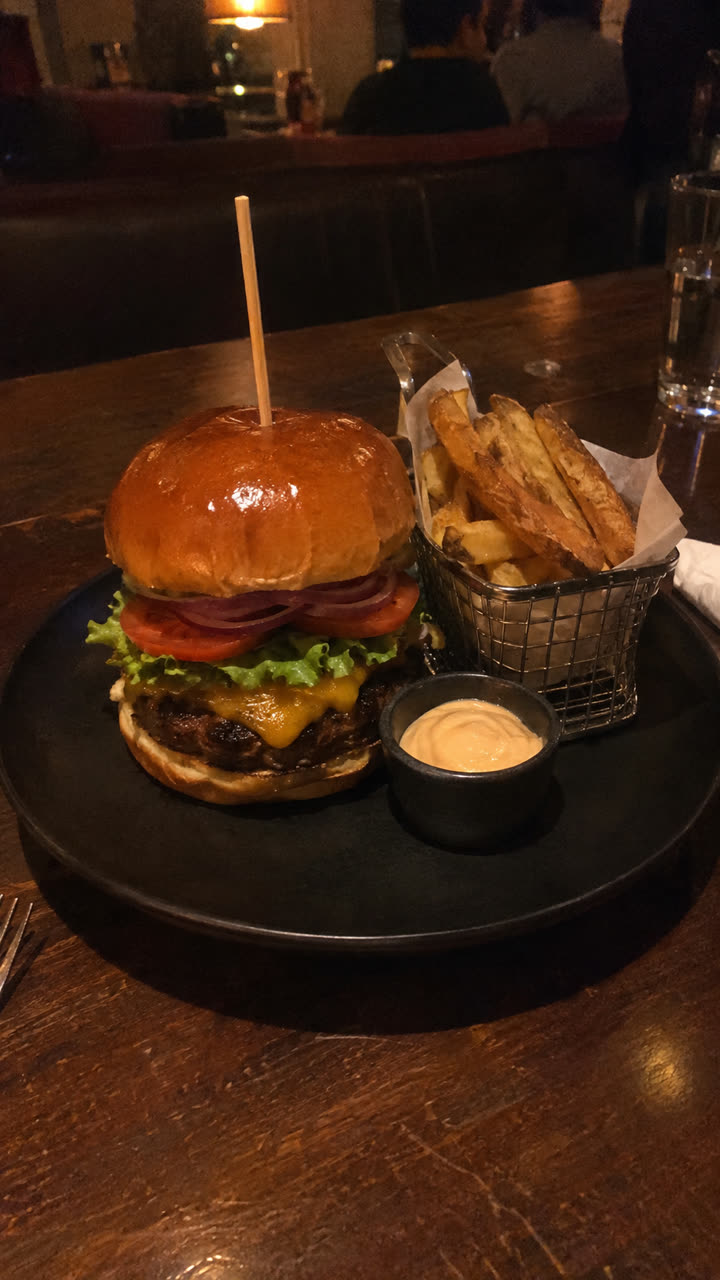
Made with the Food and drink ad template from the same burger photo, with the set changed to a marble cafe counter, in a few minutes, with no filming or editing. See the exact steps and details we used.
The quickest way: make it with SuperReels
SuperReels is the best choice for sellers who want a commercial look from one photo, because each template is built and tested for a kind of product.
- Pick the template for your category.
- The beauty product commercial is a premium skincare-style ad with no captions, all light and texture.
- The food and drink commercial shows a dish or drink at its most appetising and ends on an end card.
- The product ad template suits almost anything else: a problem, the reveal, the features and an end card.
- Upload your product photo and fill in the details. The product name, what it does, the one benefit to land. Plain words, no prompt writing.
- Generate. The cost is shown before you start. A finished 9:16 commercial of 10 or 15 seconds arrives in a few minutes, with the product close to your photo.
- Download and run it. No watermark, commercial use allowed, 720p on every plan and up to 4K on Pro. If a video fails, the credits come back automatically.
How do you make a commercial with AI that looks premium?
- Shoot or choose a clean product photo. Soft light, sharp label, simple background. The AI builds on what it sees.
- Choose one message. "Hydrates overnight" beats a list of six ingredients.
- Match the template to the product. A skincare format on a power drill looks odd, and so does the reverse.
- Keep it short. Ten to fifteen seconds is enough for a hook, a hero shot and an end card.
- Make two or three versions. Change the setting or the benefit and see which one people watch through.
Which AI commercial generator should you choose?
| Option | Output | Best for |
|---|---|---|
| SuperReels (our pick for product videos) | Vertical 9:16, 10 or 15 s, from one photo | Polished product commercials for social feeds |
| Canva | 16:9 clips up to 8 s from a prompt; Magic Video edits your own clips into a vertical video up to 60 s (Oct 2026) | Teams already designing in Canva |
| A video production company | Any format | Large campaigns with a real budget |
Our pick for product videos: SuperReels. Tested templates instead of prompt writing, the product stays close to your photo, a finished vertical video in minutes, the first video free with no card, no watermark, the cost shown before you generate, and plans from $10 a month.
Canva is a design suite. When we checked in October 2026, its "Create a Video Clip" feature made 16:9 clips of up to 8 seconds from a prompt on paid plans, and Magic Video turned 1 to 10 of your own clips or photos into a vertical video of up to 60 seconds on all plans. Pro cost US$18/mo (Canva pricing). Consider Canva if you already have footage and want to design the rest of your marketing in the same place.
Whichever AI commercial maker you use, judge it on whether the product looks right. A production company is worth it when you need a long, broadcast-ready spot with real actors and locations.
For more formats, see the promo video maker or browse the mockup library.
Questions
Can a small business make a TV style ad with AI?
Yes, for social feeds. SuperReels makes polished vertical 9:16 commercials of 10 or 15 seconds, sized for TikTok, Reels and Shorts rather than a TV screen.
What resolution are the commercials?
720p on every plan and up to 4K on the Pro plan.
Do I need to write a script or prompt?
No. You fill in a few details in plain words, such as the product name and its main benefit. The template does the rest and the prompt is never shown.