How to make AI video look real: what gives it away
In short
AI reels look generated because of four details, not resolution: a camera that drifts, soft even lighting, imperfect material physics, and action that starts without a pause.
Lock the camera, name one hard light source and its direction, pick formats where physics errors hide, and hold the first beat before anything happens.
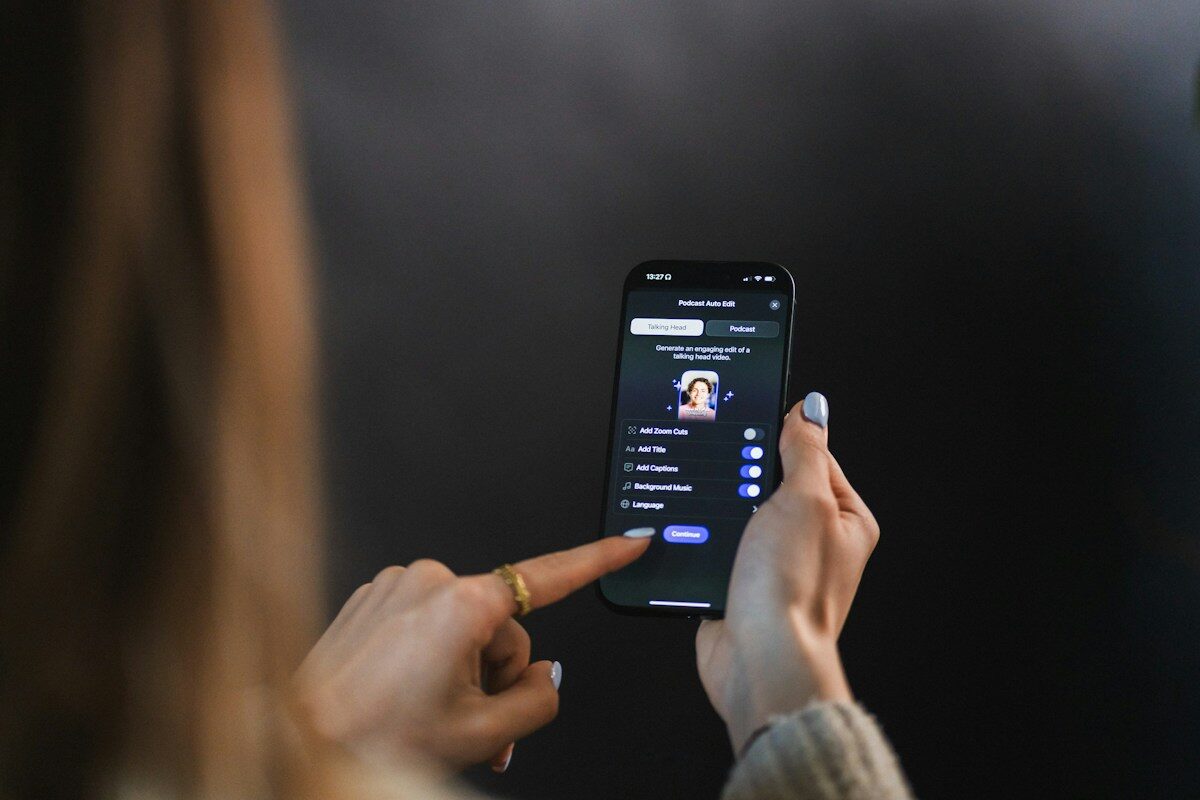
You generate a reel, post it, and the first comment is "AI". Not because the resolution is low or the subject is wrong, but because something about the clip reads as synthetic to people who could not tell you what gave it away.
According to a Kapwing study citing PatentPC and Vivideo research, only 9.5 per cent of viewers can reliably tell AI-generated video from real footage in a controlled test. Yet in a social feed, where people are primed to look, the detection rate feels much higher. The gap between lab accuracy and feed perception is where most AI reels fail, and it is almost entirely about details the creator controls.
The camera gives it away first
Real footage of satisfying content, a shredder running, nails being painted, a room being cleaned, almost always comes from a locked camera. A tripod, a clamp, a phone propped on a shelf. The frame does not drift, does not orbit, does not slowly zoom.
Most AI-generated reels move the camera because the default output of most models includes gentle motion. It looks cinematic in isolation, but in a feed full of static phone footage it announces itself. If your prompt does not explicitly specify a fixed camera, the model will choose for you, and it will usually choose wrong.
Lighting is the second tell
Real phone footage has hard, directional light. A ring light, a window, an overhead fluorescent. One source, visible shadows, slightly overexposed highlights. AI models tend toward soft, even, wrap-around lighting that looks good but looks rendered.
The fix is specific. Name the light source, name the direction, name the quality. "Single hard key from camera left" does more for realism than any amount of detail about the subject itself. This is the kind of instruction that feels redundant until you remove it and watch the output flatten.
Material physics is where honesty matters
No current model gets material physics right every time. Wood does not always splinter correctly. Liquid does not always settle the way it should. Fabric creases in ways that are almost right but not quite.
This is worth saying plainly rather than pretending the problem is solved. The Wyzowl 2026 survey found that 63 per cent of video marketers now use AI tools to create or edit video, up from 51 per cent the year before. The adoption is real, but so is the gap. What a good prompt buys you is a much higher rate of usable output, not a guarantee.
The practical approach is to choose formats where physics errors are least visible. A locked camera on a shredder forgives more than a tracking shot of a person walking. A top-down view of nail art forgives more than a close-up of flowing hair. Pick your battles.
Pacing separates content from demos
Most AI reels start with the action. The shredder is already running. The room is mid-transformation. The nail is half painted. This reads as a technology demonstration rather than a piece of content, because real satisfying videos almost always pause before the action begins.
That first beat, the object sitting intact, the dirty rug in full view, the bare nails waiting, is what creates anticipation. Without it the viewer has nothing to lose and no reason to stay. A one-second pause at the start is worth more than five seconds of additional footage.
The problem is not the technology
Meta's Q1 2026 earnings call reported that over 500 million people across Facebook and Instagram watch AI-generated videos every week. The audience is not rejecting AI video. It is rejecting AI video that looks like AI video, which is a different and much more solvable problem.
The details that fix it are always the same: a locked camera, directional light, a beat of stillness before the action, and a format chosen to play to the model's strengths rather than expose its weaknesses. None of that is about the subject of your reel. All of it is about the decisions surrounding the subject.
The shortcut, and what it does not solve
Our templates handle the camera, the light, the pacing and the format selection. You change the subject, the part that makes the reel yours, and the tested prompt handles the rest. The library is expanding as new formats prove themselves.
What a template cannot do is make generation deterministic. You will still get runs where the physics are off or the model invents something unwanted. The difference is that a tested prompt puts you in a range where most outputs are usable, rather than a range where most are not.
Questions
Why does my AI video look fake?
Most often the camera moves when real footage of that kind would be still, and the lighting is soft and wrap-around instead of one hard, directional source.
How do I make AI video look more realistic?
Specify a fixed camera, name the light source and its direction, choose a format with simple physics, and start on a still moment before the action.
Can AI video physics be trusted?
Not every time. Wood, liquid and fabric are still sometimes wrong, so formats with a locked camera and simple motion give a much higher share of usable results.