How to edit an AI video prompt without breaking it
In short
Every working video prompt has two halves: the subject, which says what is in the video, and the machinery, which says how it was shot.
Change the subject freely. Leave camera, lens, light, timing and physics alone, even when a clause looks redundant, because that is the part that breaks quietly.
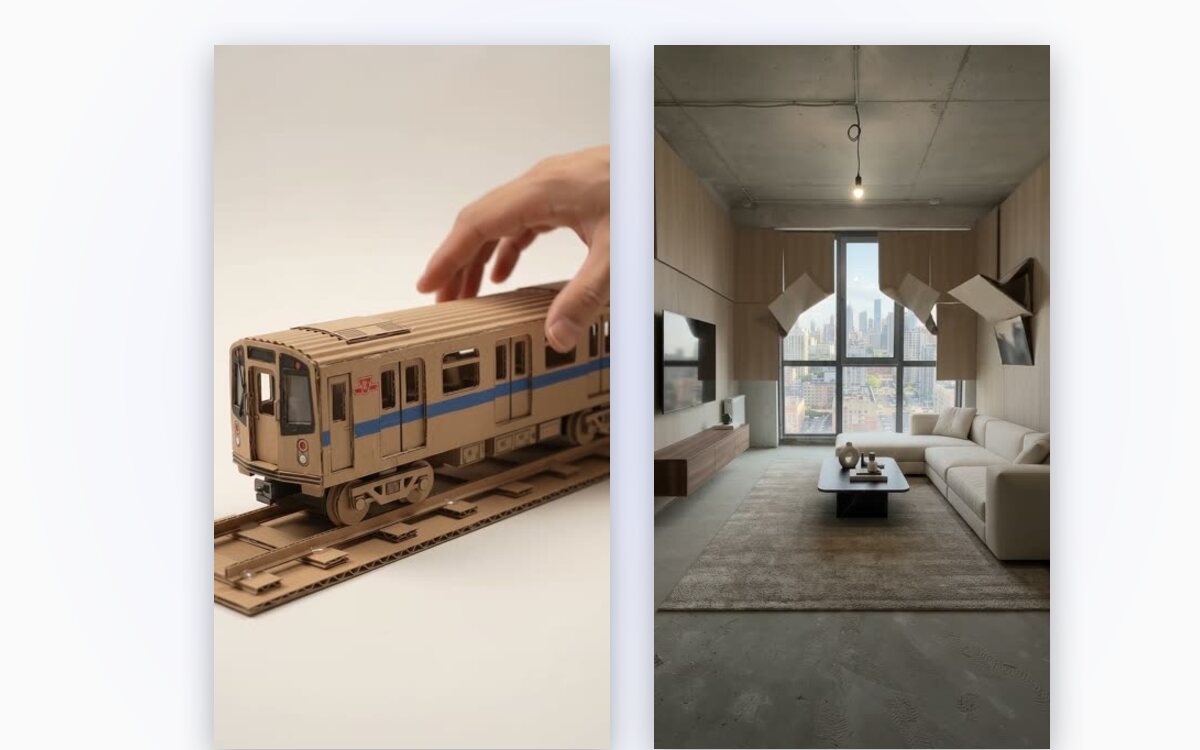
Everyone editing AI video prompts eventually does the same thing. They take something that works, change a few words to suit their product, and get back something markedly worse. Then they change a few more words trying to recover, and it gets worse again.
The problem is that a working prompt contains two very different kinds of instruction, and they are not labelled.
The subject, which you should change
These are the words describing what the video is of. The object, the material, the colour, the place, the person. Swapping a walnut dining chair for a plastic garden chair changes the video without touching anything that makes it work. The model has no difficulty with this, because you are substituting one noun for another inside a structure that still holds.
The machinery, which you should not
These are the words describing how the video is made. Camera height and angle. Focal length. Where the light comes from and how hard it is. Shutter behaviour and motion blur. How long the shot lingers before anything happens. The words governing physical behaviour: how debris falls, how liquid settles, how fabric creases.
None of that is about your product. All of it is why the clip looks like footage rather than a render, and it is disproportionately fragile. Removing one clause about light direction can flatten an entire scene.
Why the damage is invisible at first
The machinery does not fail loudly. You do not get an error. You get a video that is very slightly worse in a way that is hard to name, and because you were focused on your product you attribute it to the model having a bad day.
Three edits later the prompt no longer has a coherent camera or a coherent light source, and it produces something that looks generic. At that point most people rewrite from scratch, which starts the cycle again.
A rule that holds up
Before changing a word, ask whether it describes what is in the video or how the video was shot. Change the first freely. Leave the second entirely alone, even when it looks redundant, and especially when you do not know why it is there.
If a prompt says "85mm, locked off, single hard key from camera left", that is not padding. It is three decisions someone made after watching several bad versions.
The shortcut
This distinction is why our templates expose specific fields rather than a text box. The subject is yours to set. The machinery is written once, tested, and not up for editing, which is less flexible and considerably more reliable.
Questions
Which words in a video prompt can I change?
The ones describing what the video is of: the object, material, colour, place or person. Swapping one noun for another keeps the structure intact.
Why did my video get worse after a small edit?
You probably changed part of the machinery, such as light direction or camera height. The damage is subtle at first, so it is easy to blame the model.
Is a line like "85mm, locked off, single hard key" just padding?
No. It records decisions someone made after watching bad versions: the lens, a still camera and one hard light source. Removing it flattens the scene.