How to make UGC videos: three ways that work
In short
To make a UGC video, keep it vertical, open with the problem your product solves, and show the product being used, then either generate it from a product photo, film it on your phone, or hire a creator.
Creators give the most genuine result and filming yourself costs only time, but both take days or an afternoon per angle.
The easiest way is SuperReels: upload one product photo, pick a UGC template, and get a finished vertical video in a few minutes, with your first one free.
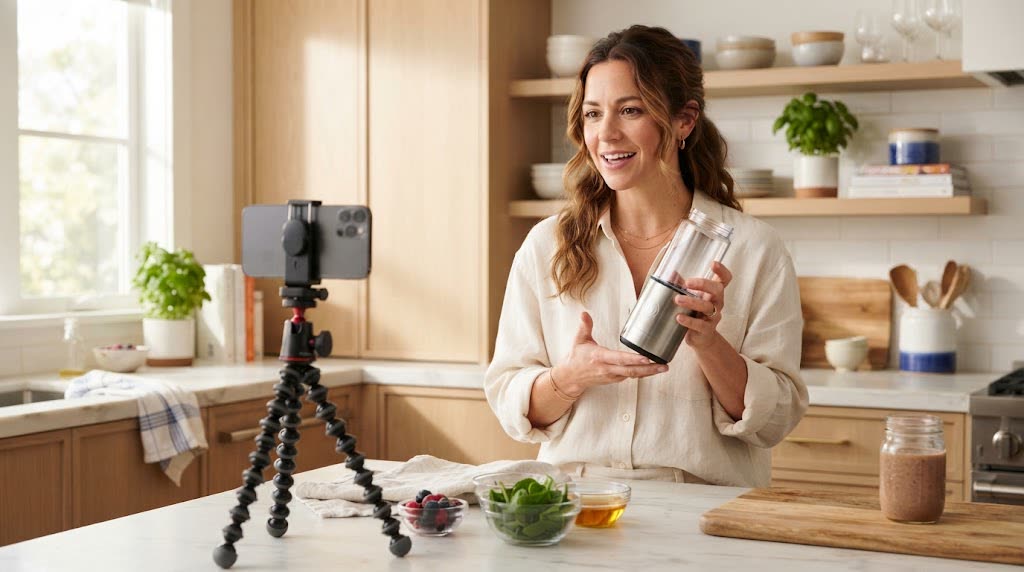
Knowing how to make UGC is less about gear and more about structure. A good UGC-style video looks casual, but it follows a tight shape: a hook, the product doing its job, and a reason to care. Here are three ways to get there, starting with the fastest.
What makes a UGC style video work?
Before you pick a method, settle the shape. Every route below uses the same one.
- Vertical 9:16, because that is how people hold their phones in a feed
- A hook in the first second: the problem, a reaction or a bold claim you can back up
- The product in use, in a real setting, not on a plain background
- One point per video, so the viewer remembers something
What the finished video looks like
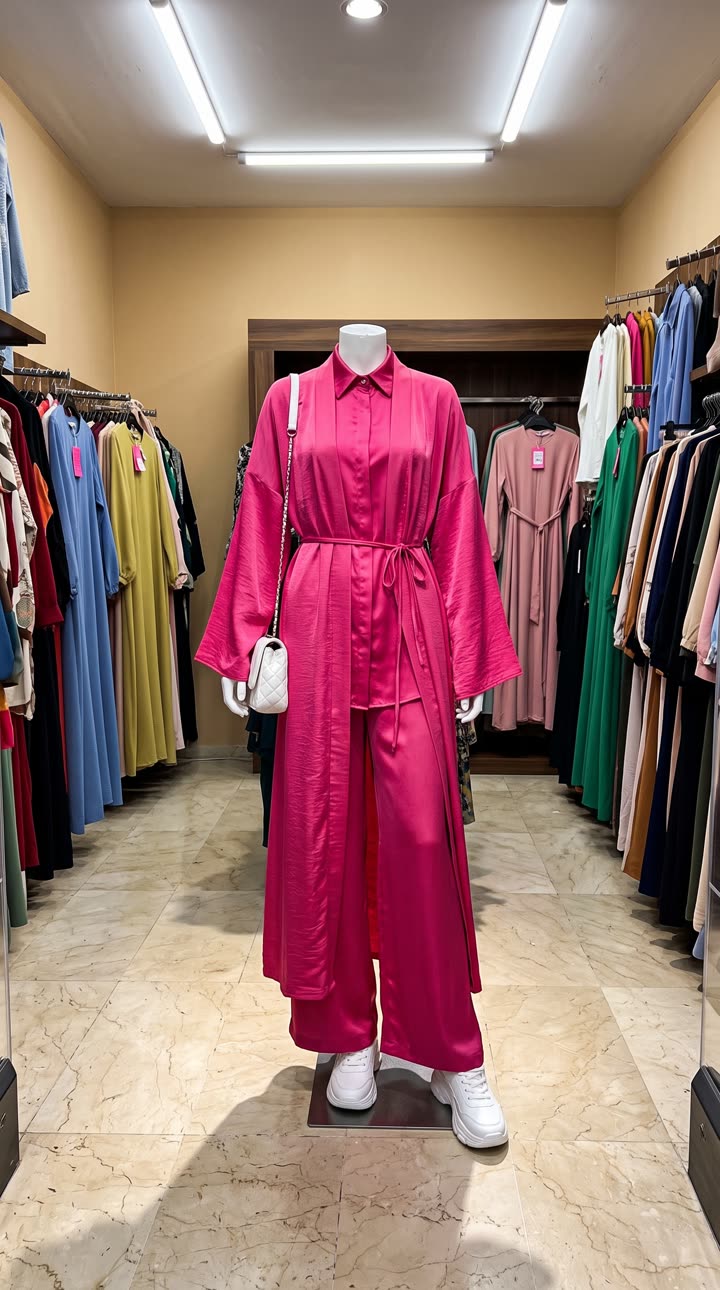
Made with the Get ready with me template from one mannequin photo of the outfit, in a few minutes, with no filming or editing. See the exact steps and details we used.
The quickest way: make UGC with SuperReels
This is our recommended route for sellers, because a tested template handles the structure above for you and a new angle takes minutes rather than a new shoot.
- Pick a template. The creator demo template has an AI presenter show your product at home in a selfie-style video. For a talk-to-camera feel, try the selfie spokesperson template.
- Add your product photo and details. Upload a clear photo and say in plain words what the product is and who it is for. There is no prompt to write; it is never shown.
- Generate. The cost is shown before you start. A finished vertical video of 10 or 15 seconds arrives in a few minutes, and the product stays close to your photo.
- Post it. Download it with no watermark and post it to TikTok, Reels or Shorts.
If a video fails, the credits come back automatically.
How to make UGC by filming it yourself
If you are just working out how to start UGC for your own shop and enjoy being on camera, this costs only your time.
- Prop your phone at eye level near a window for soft, even light.
- Write three lines: the problem, what the product does, why you like it.
- Film the hook first and keep it under two seconds.
- Shoot close-ups of the product in use, from your hands' point of view.
- Trim the dead air in your phone's editor and add captions.
The trade-off is your time, and the fact that you appear in your own ads, which not every seller wants.
How to create UGC content with a creator
This gives you a real person and the most genuine feel.
- Write a one-page brief: the product, the problem it solves, the one point to land and the length.
- Find creators whose existing videos match your tone, then ask for rates and usage rights.
- Ship the product and agree a delivery date.
- Review the first cut against the brief and ask for one round of changes.
- Confirm in writing that you can post it and run it as an ad.
The trade-off is time and cost. Each new angle means another brief and another wait.
Which method should you pick?
| Method | Speed | Cost | Feels genuine |
|---|---|---|---|
| SuperReels template (our pick) | A few minutes | From a free first video | Good for testing, label it as AI |
| Film it yourself | An afternoon | Your time | High, if you are comfortable on camera |
| Hired creator | Days to weeks | Highest | Most |
Many sellers mix them. Use SuperReels to find the angle that gets attention, then brief a creator on the winner. Whatever you make, AI content should follow each platform's labelling rules.
The UGC video page shows what the templates produce, and the mockup library has every other format. Your first video is free with no card.
Questions
How long should a UGC video be?
Short. Most UGC-style ads make their point in 10 to 15 seconds: a hook, the product in use, and one reason to buy.
Do I need to show my face?
No. Hands-only demos work well, and an AI template can supply a presenter if you would rather not appear yourself.
Can I use AI UGC videos commercially?
SuperReels videos carry no watermark and commercial use is allowed. Follow each platform's rules for labelling AI-generated content.