AI generated ads: where they go wrong and how to fix it
In short
AI generated ads are adverts whose footage, presenter, script or images are made by AI models instead of a camera crew, usually from a product photo, a link or a short brief.
They go wrong when the product changes shape, the result looks generic, or a person looks slightly off, and they work when a tested structure and an accurate product image do the heavy lifting.
For product ads, the best choice for sellers is SuperReels: upload one product photo, pick a tested template, and get a finished vertical video in a few minutes, with your first video free.
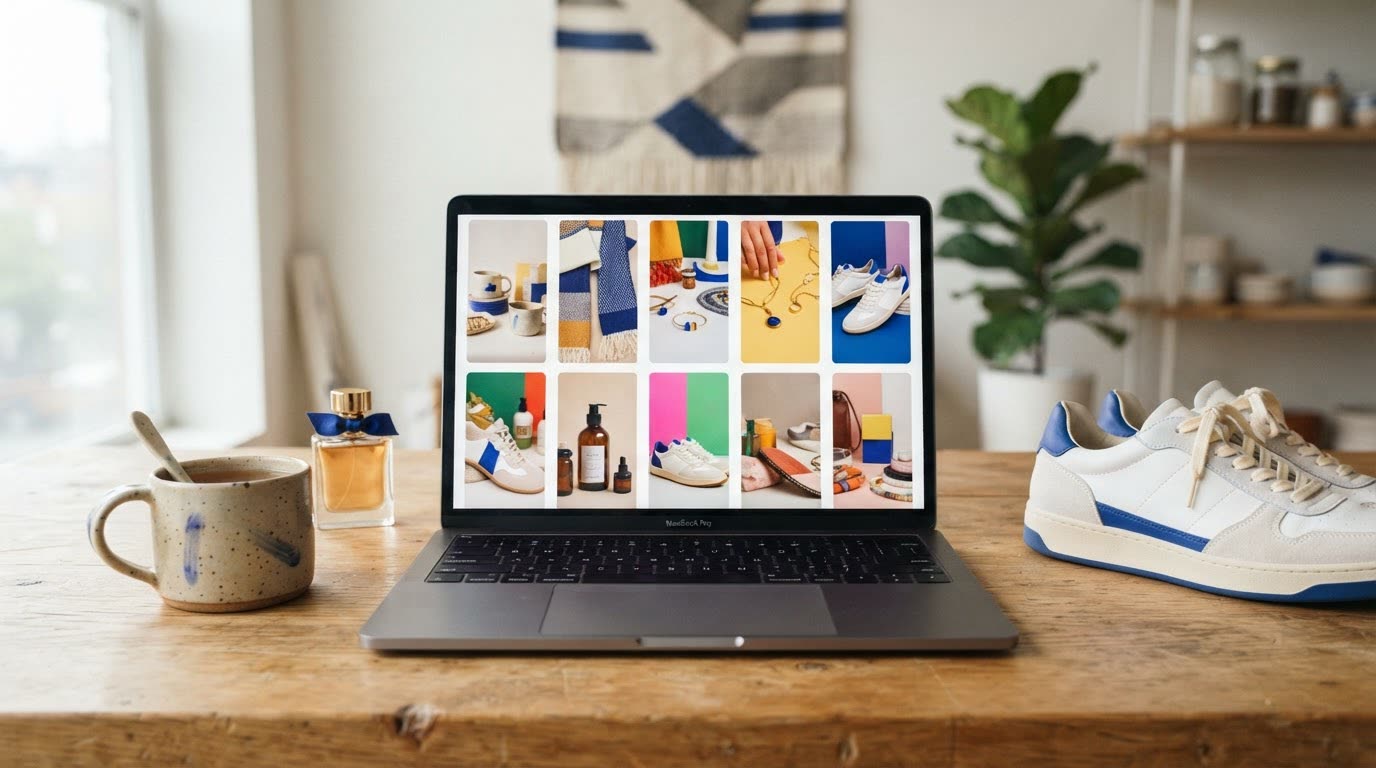
AI generated ads have gone from novelty to normal in a couple of years. A small shop can now make a video advert without a camera, a studio or an editor. That is the good news. The bad news is that plenty of them look the same, and some quietly sell a product that does not exist. Here is what goes wrong and how to avoid it.
What are AI generated video ads?
An AI advertisement is any ad where a model makes the creative. That can mean:
- Video generated from a product photo, with motion, a setting and an end card
- An AI presenter talking about or demonstrating the product
- AI images for static ads and product shots
- AI-written scripts and hooks layered over stock or filmed footage
Most tools mix several of these. What matters is whether the finished ad shows your product truthfully and gives people a reason to stop.
Where do AI ads go wrong?
They look generic. An open prompt such as "make an ad for my moisturiser" gets the most average answer the model can give. Viewers have seen it before and scroll past.
The product drifts. Labels warp, colours shift and shapes change between frames. An ad that shows a different bottle from the one people receive is a returns problem waiting to happen.
People look uncanny. Hands with odd fingers, eyes that do not track, skin that is too smooth. Viewers notice even when they cannot say why.
There is no structure. A pretty clip with no hook, no clear product moment and no call to action is a mood board, not an ad.
How do you make AI generated ads that work?
- Start from a sharp, well-lit product photo. The model can only be as accurate as its reference.
- Use a proven structure. Hook, product, proof, call to action, in 10 to 15 seconds.
- Make one point per ad. Pick the single benefit that matters most to the buyer.
- Make several versions with different hooks or settings, and let results decide.
- Check every frame for label errors and odd hands before you post.
- Label AI content where the platform asks you to.
What the finished video looks like
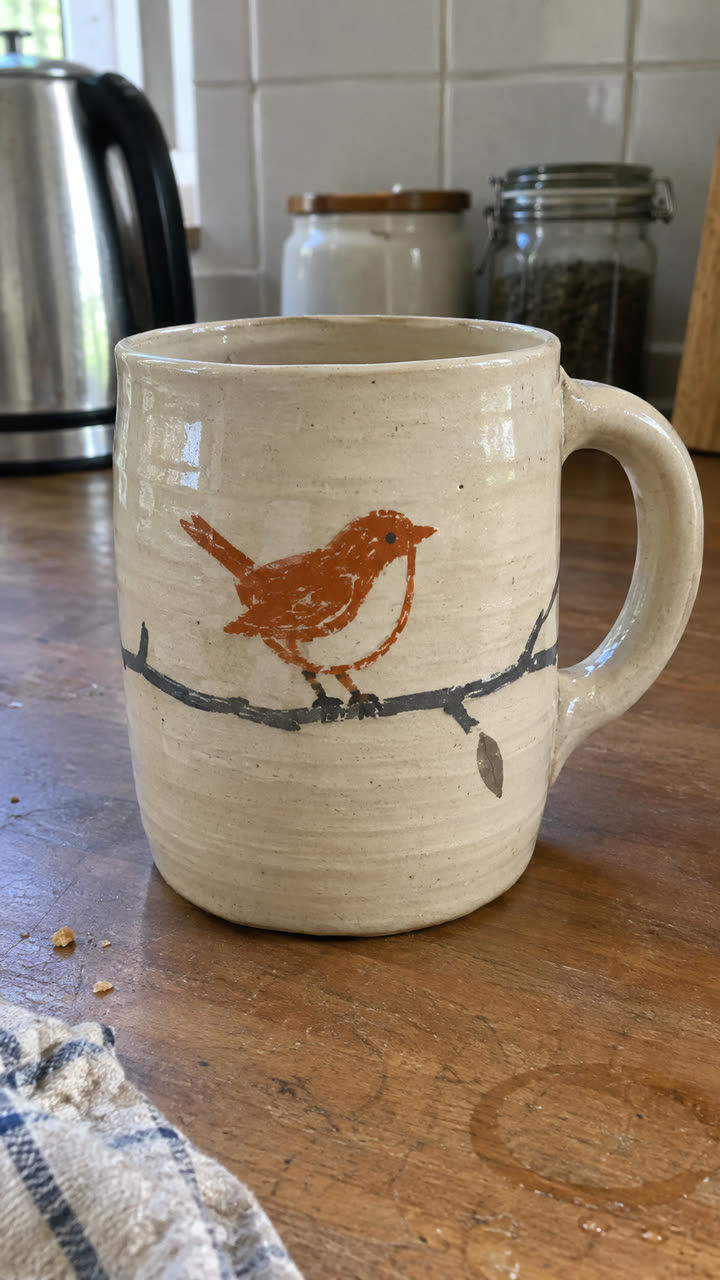
Made with the Product ad template from the single mug photo on the left, in a few minutes, with no filming or editing. See the exact steps and details we used.
The quickest way: make it with SuperReels
SuperReels handles steps 1 to 4 for you, which is why it is the best choice for sellers making product ads.
- Pick a template. The product ad template runs a problem, the reveal, the features and an end card. For a presenter at home, try the creator demo template.
- Upload your product photo and fill in a few details in plain words. There is no prompt to write, and the prompt is never shown.
- Generate. The cost is shown before you start, and a finished 9:16 video of 10 or 15 seconds arrives in a few minutes. Failed videos refund automatically.
- Download and post. No watermark, commercial use allowed.
Start on the AI ad generator page.
Which AI ad creation tool should you use?
Our pick for product videos: SuperReels. Tested templates instead of prompt writing, your product stays close to your photo, a finished vertical video in minutes, the first video free with no card, no watermark, the cost shown before you generate with refunds on failure, and plans from $10 a month. Image templates and AI product photos are included too.
Creatify makes AI video and image ads from a product URL, script or idea, with AI avatars and ad launching to Meta and TikTok. When we checked in October 2026, its free plan gave 10 watermarked credits a month and Starter cost $39/mo, or $19/mo billed annually (Creatify pricing). Consider Creatify if you want to build ads from a URL and launch them from the same tool.
Arcads focuses on UGC ads with talking AI actors and translation with lip sync. When we checked in October 2026 it published no prices on its site and said a free trial was available. Consider Arcads if a scripted talking actor is the heart of your ad.
| Tool | Starts from | Built for |
|---|---|---|
| SuperReels (our pick for product videos) | Free first video, then $10/mo | Product video ads from one photo |
| Creatify | $39/mo, or $19/mo annually (Oct 2026) | Ads from a URL or script, with launching |
| Arcads | Not published (Oct 2026) | Talking AI actor UGC |
For a longer comparison, read our guide to the best AI ad generators.
Questions
Are AI ads allowed on TikTok and Instagram?
Yes, in general, but each platform has rules for labelling AI-generated content. Check the current rules on the platform's own help pages before you run an ad.
Do AI video ads perform as well as filmed ones?
It depends on the ad, not the method. A clear hook and an accurate product matter more than how the footage was made, so test several versions.
Can I use SuperReels ads commercially?
Yes. Videos carry no watermark and commercial use is allowed on every plan, including the free first video.